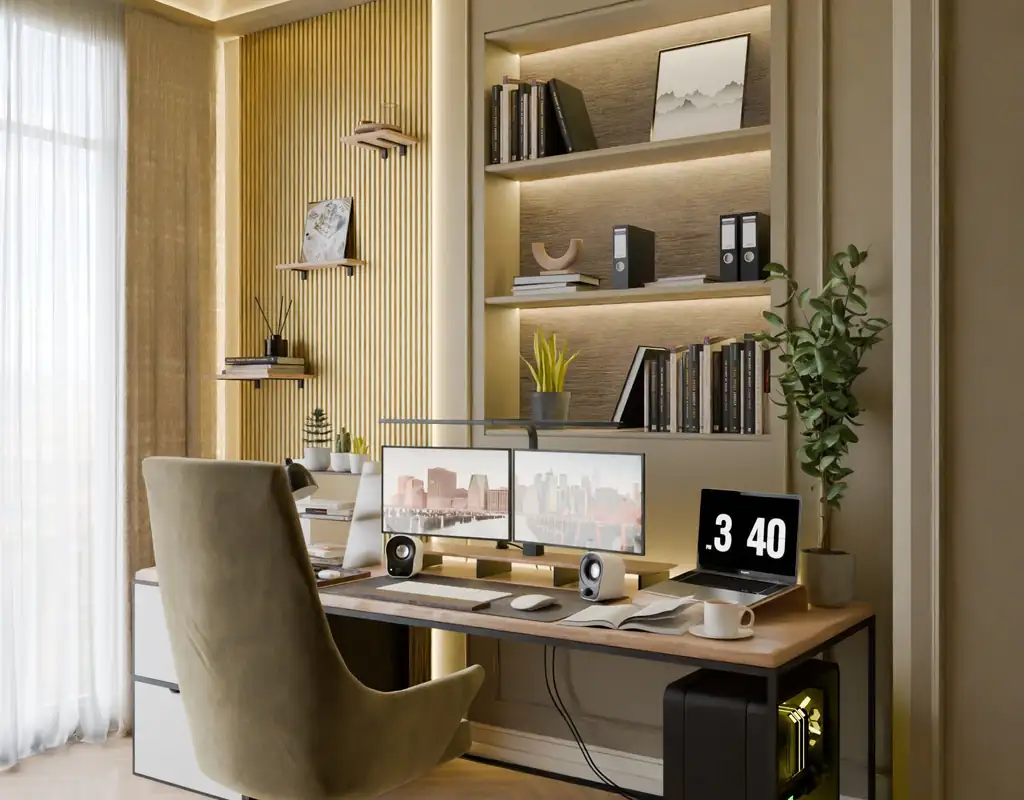
A small home office can feel considerably more oppressive than it actually is when the lighting is wrong. Most people notice this as a vague sense of discomfort — eyes that feel strained earlier than they should, a workspace that feels gloomy even on bright days, a general reluctance to sit down and start work that’s hard to pin on anything specific.
In most cases, the problem isn’t the size of the room. It’s that one overhead light is doing a job that requires several different types of light to do properly. The fix is usually simpler than people expect, and it rarely requires buying anything large or expensive.
If your desk and storage are already reasonably sorted, our guide to 8 Small Home Office Storage Ideas to Keep Your Workspace Organized covers the organization side separately — this one focuses on the lighting.
1. Start With the Natural Light You Already Have
Before buying anything, look at what daylight is actually doing in the room — and what’s getting in its way.
If there’s a window near the desk, the position of the desk relative to it matters more than most people realize. A monitor placed directly in front of a window will spend most of the day fighting against a bright background, which creates glare and makes the screen harder to look at. Positioning the desk so the window is to the side — rather than directly behind or in front — tends to give the best result: useful daylight on the desk without direct glare on the screen.
Beyond desk position, it’s worth checking whether anything is blocking daylight that doesn’t need to be there. Heavy curtains kept half-closed, furniture placed in front of the window, shelving on the window wall — any of these can quietly reduce available light throughout the entire working day.
2. Add a Compact Desk Lamp
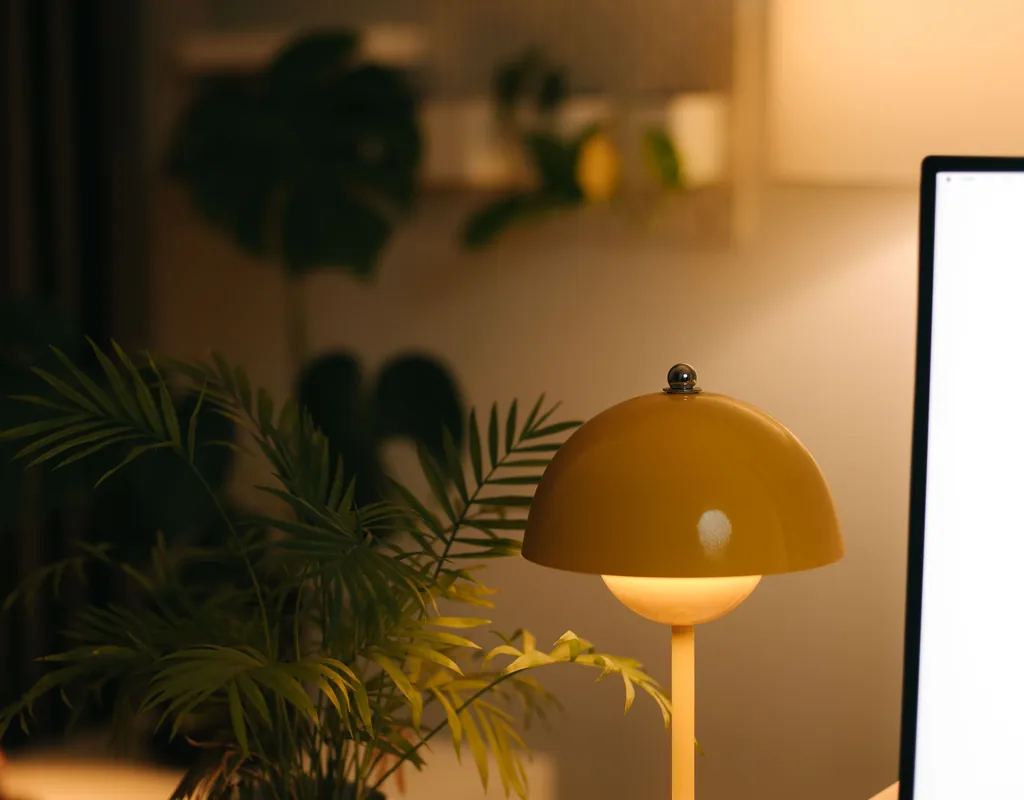
A desk lamp is the single most useful lighting addition for most small home offices, and choosing the right one matters more than most people give it credit for.
The main things to look for are adjustability and a footprint that doesn’t compete with the things on the desk. A lamp with a jointed arm that can be repositioned throughout the day is considerably more useful than a fixed one — you can angle it toward documents in the morning, pull it back when working on the screen, and adjust it again as the daylight changes.
Placing the lamp on the opposite side from your writing hand reduces shadows when you’re working with paper. Beyond that, the specific look matters less than having enough brightness adjustment to suit both focused daytime work and a softer evening setting.
For a practical overview of specific lamp options, our guide to Best Desk Lamps for Small Workspaces covers the main categories worth considering.
3. Consider a Monitor Light Bar
If the desk is genuinely small and space for a lamp is limited, a monitor light bar is worth serious consideration.
A monitor light bar attaches to the top edge of the monitor rather than sitting on the desk, which means it adds useful task lighting without using any desk surface at all. It directs light downward toward the keyboard and desk rather than at the screen, which can help reduce the glare problems that make screen-facing lamps frustrating.
The practical result is a reasonably well-lit desk with a clearer surface than a traditional lamp would leave. For a very compact setup, this tends to be the better trade-off.
4. Use Lighting at Different Levels
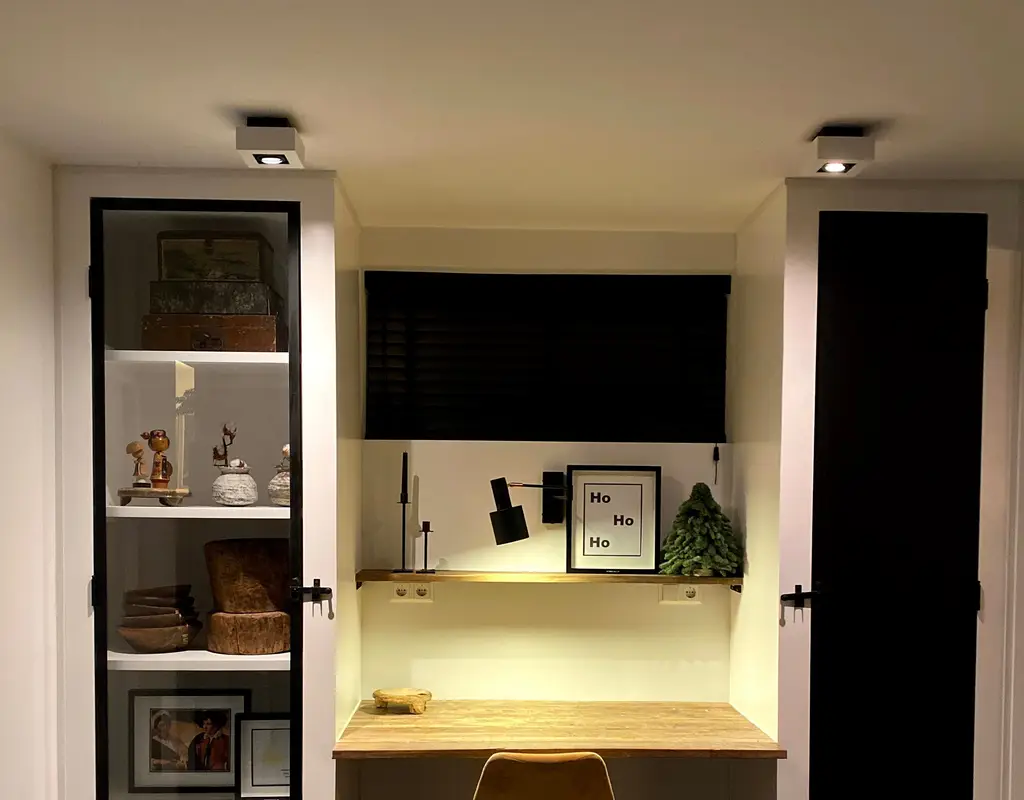
One light source — even a good one — leaves parts of the room darker than others, which creates the visual contrast that makes a workspace feel cramped.
A better setup uses light at different levels: daylight from the window, task lighting at the desk, and something softer elsewhere in the room that stops the desk from being the only bright spot. The surrounding darkness makes the bright area feel more isolated, not more productive.
For a small office, this doesn’t mean buying several large lamps. A compact desk lamp combined with existing ceiling lighting and a little daylight is usually enough to create a noticeably more balanced and comfortable environment.
5. Think About Where Each Light Is Pointing
Where lights are placed and what they’re pointing at matters as much as what kind of lights they are.
A lamp positioned directly behind or beside a monitor can create reflections on the screen that make it harder to read. A very bright ceiling light directly above a dark desk can make the contrast between the desk and the screen uncomfortable. A light positioned at eye level and pointing toward your face is rarely comfortable for sustained work.
The general principle is that lights should illuminate the surfaces you’re working on — the desk, documents, keyboard — rather than pointing directly at your eyes or the screen. Small adjustments to height and angle often solve problems that seem like they need a new fixture.
6. Choose the Right Color Temperature
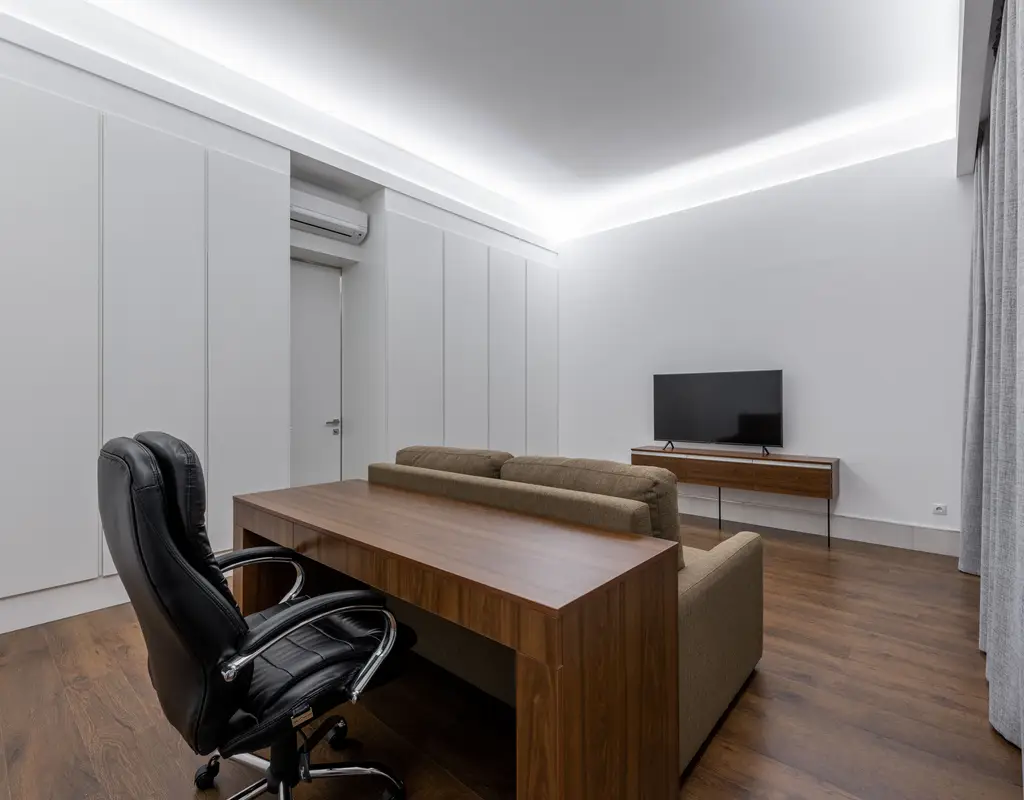
The color of light affects how a room feels and can influence how comfortable the workspace feels over a long day.
Cooler, bluer light — around 5000 to 6500 Kelvin — can feel more energizing and may work well for focused daytime tasks. Warmer light — around 2700 to 3000 Kelvin — creates a softer atmosphere that can suit evening use.
For a home office used across different parts of the day, a lamp with adjustable color temperature is a practical choice. It lets you change the lighting according to the time of day without needing two separate lights.
If adjustability isn’t available, a neutral white around 4000 Kelvin can be a useful middle ground for general office work.
7. Add Light Without Using Floor Space
Floor space in a small office is usually at a premium, which makes any lighting that doesn’t use it worth prioritizing.
Several options add useful light without touching the floor at all:
- A monitor light bar on top of the monitor
- Wall-mounted lights at desk height
- LED strips under shelves above the desk
- A slim clamp-on lamp attached to the desk edge
- Small clip-on lights mounted to shelving
Any of these can add meaningful light to a specific area without contributing to the sense that the room is getting more crowded. For a workspace that’s carved out of a bedroom or living room corner, this tends to matter particularly — adding a floor lamp to a space that already feels tight usually makes the situation worse rather than better.
If your office shares space with another part of your home, our guide to How to Organize a Small Room That Serves More Than One Purpose covers the broader layout challenges.
8. Use Under-Shelf Lighting
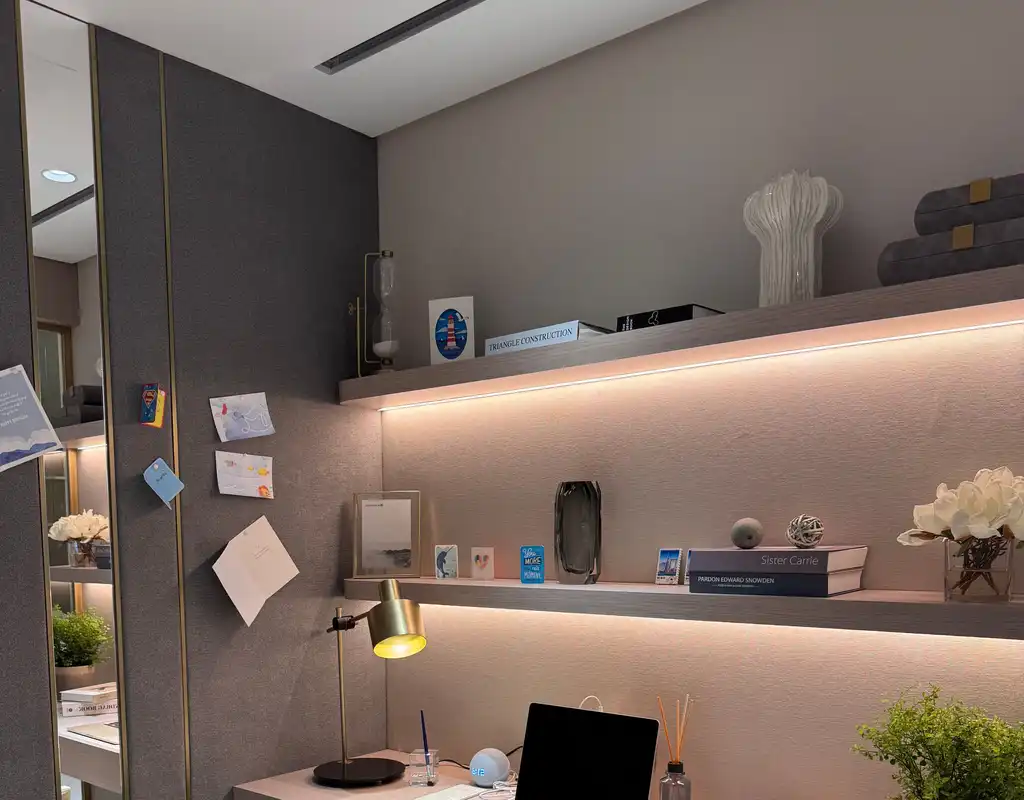
If there are shelves above the desk, the underside of those shelves is a useful and often completely overlooked place to add light.
A strip of LEDs underneath a shelf can illuminate the entire desk surface below it while keeping the light source mostly out of sight. The effect is similar to under-cabinet lighting in a kitchen — the desk is well lit, but the source of that light isn’t visually prominent.
This works well when shelves are being used for storage, books, or equipment, because those items would otherwise cast shadows across the desk. Even a simple adhesive LED strip is enough to make a noticeable difference, and keeping the cables managed neatly — which our guide on 10 Small Home Office Accessories Worth Adding to Your Desk covers alongside other useful desk additions — keeps the solution from creating a new source of visual clutter.
9. Don’t Let the Ceiling Light Do All the Work
Most small offices rely on a single ceiling light as their primary — sometimes only — light source. The problem is that overhead lighting illuminates a room evenly but flatly, and it tends to cast shadows across a desk that’s positioned below it.
The simplest way to address this without changing the ceiling fixture is to add a smaller task light at desk level. The ceiling light handles the general room, the task light handles the actual working surface, and the result is a more balanced and comfortable setup than either would be on its own.
This combination is also more flexible — the ceiling light can be turned off in the evening if warmer, softer light from a lamp is preferable for later work.
10. Keep the Setup Simple
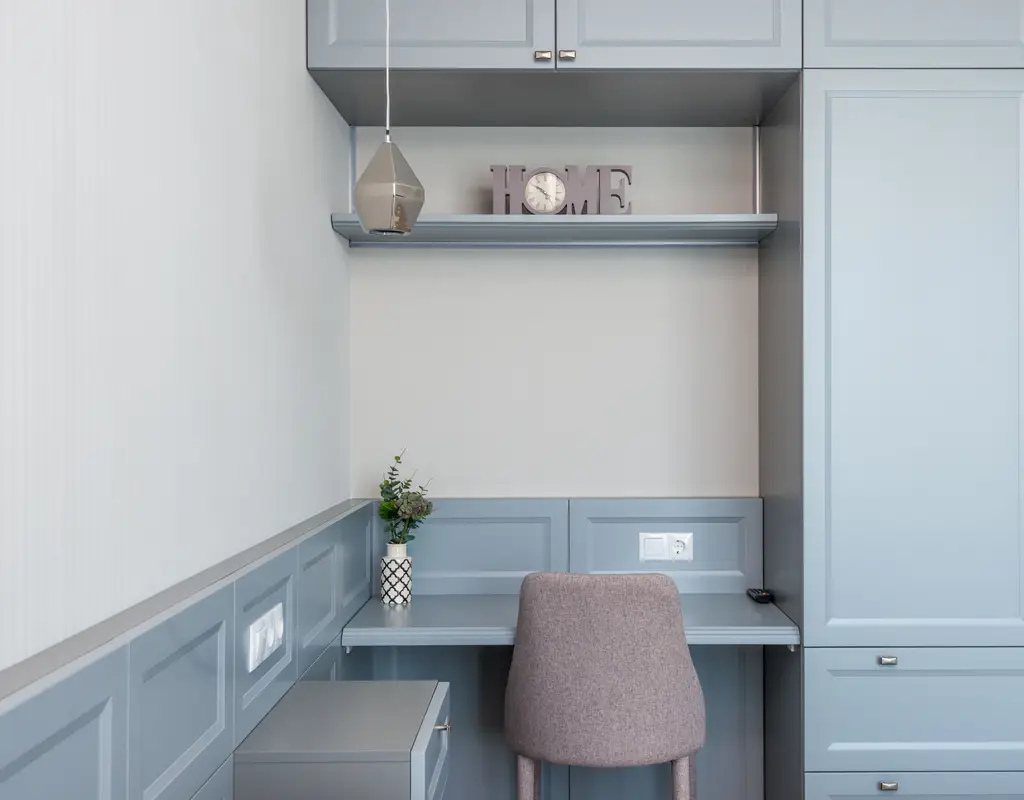
A home office with too many different light sources becomes its own kind of problem — cables everywhere, too many switches, a room that looks cluttered even when the desk is clear.
For most small home offices, a straightforward combination is enough:
Natural light from the window during the day, a comfortable ceiling light for general room brightness, and one focused task light or monitor bar for the desk itself.
That covers the main situations without overcomplicating anything. If the desk is very small, the monitor bar replaces the task lamp and keeps the surface clearer. If the room gets limited natural light, a daylight-spectrum bulb in the desk lamp can provide a brighter-feeling workspace.
The best lighting setup for a small office is the one that gives you enough useful light across the working day without adding more to the space than the space can comfortably handle.
Frequently Asked Questions
What is the best type of lamp for a small home office?
An adjustable LED desk lamp with multiple brightness settings tends to be the most practical choice — it can be repositioned throughout the day and adjusted for different tasks without taking up much desk space. A monitor light bar is worth considering if desk space is very limited.
Should I use warm or cool light in a home office?
It depends on when you work. Cooler light around 4000 to 5000 Kelvin can suit focused daytime work, while warmer light around 2700 to 3000 Kelvin creates a softer atmosphere for evenings. A lamp with adjustable color temperature is a practical option if you work at different times of the day.
How do I reduce glare on my monitor?
Position the monitor so windows are to the side rather than directly behind or in front of it. Avoid placing bright lamps directly beside or behind the screen. A monitor light bar directs light toward the desk rather than directly onto the screen, which can help reduce glare.
Can I improve office lighting without adding floor lamps?
Yes. Monitor light bars, under-shelf LED strips, wall-mounted lights, and clamp-on desk lamps all add useful light without using floor space. These are often better choices in a small office than a floor lamp.
How many light sources does a small office need?
Three is usually a practical target: one for general room brightness, one for the desk, and natural light from a window where available. More than that tends to create clutter; fewer tends to leave parts of the room darker than is comfortable.
Final Thoughts
Good lighting changes how a small home office feels more than most other changes of comparable cost and effort.
Start with natural light — position the desk sensibly relative to the window, keep the window area clear, and see how much difference that alone makes. Then add a compact task light or monitor bar at the desk level, and use the ceiling light for general room brightness rather than expecting it to handle everything.
Pay attention to where each light is pointing, what color temperature suits your working hours, and whether anything is adding floor clutter that could be mounted or clipped instead.
A small office doesn’t need many lights. It needs the right ones, in the right places, at the right level — and that’s usually less complicated than it sounds.
For more practical ideas on making a compact workspace function well, explore our Small Home Office guides.