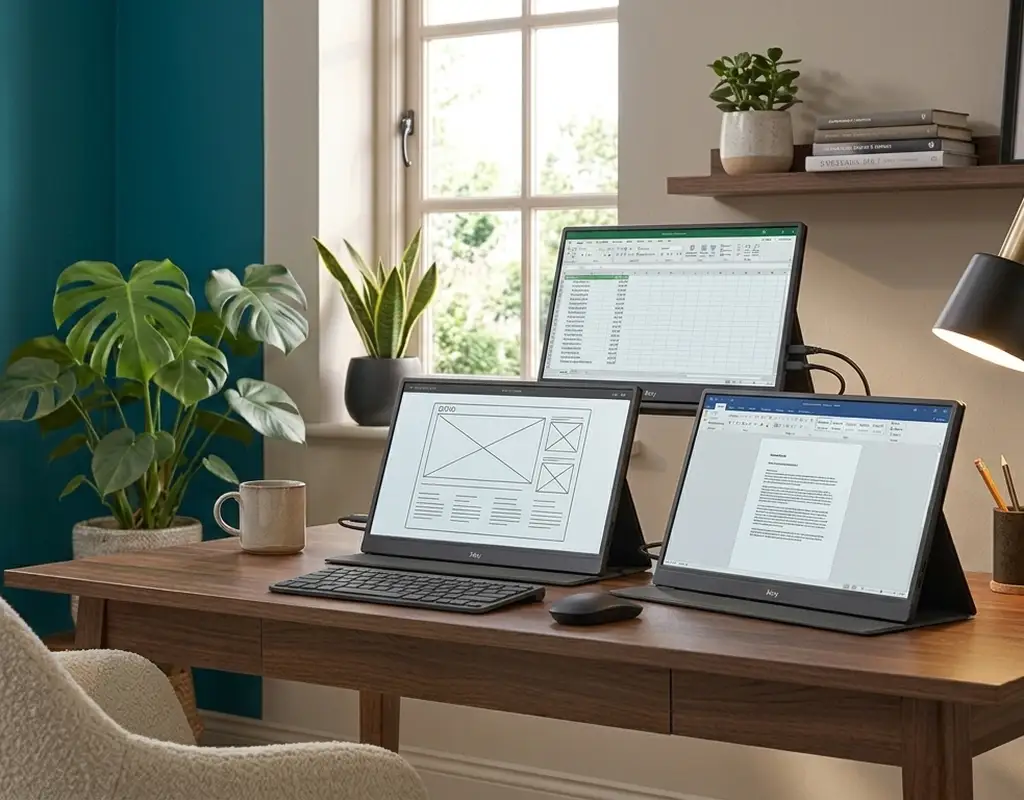
A single laptop screen quietly slows down almost everything you do on a small desk. Switching between a spreadsheet and an email, comparing two documents side by side, or keeping a video call open while you work — all of it turns into a small, constant frustration when your small home office gives you only one window’s worth of space. The usual fix, a full-size external monitor, isn’t always realistic once your desk barely fits a laptop and a coffee mug.
This is exactly where a portable monitor earns its place. The best portable monitors for a small home office give you a second screen without requiring permanent desk space. Unlike a regular desktop display, a portable monitor for small desks doesn’t ask for permanent real estate. It’s thin, light, and most of the time it can be propped up in seconds, folded flat when you’re done, or dropped in a bag if you’re not working from that desk at all that day.
Pair it with the right laptop setup and the difference is even bigger. If you’re already using one, our guide to laptop stands for small desks is worth a look too — getting your laptop screen and your portable monitor to roughly the same height makes switching between them far less annoying.
Why the Best Portable Monitors for a Small Home Office Fit Better
A standard external monitor comes with baggage: its own stand or mount, a fixed spot on the desk it never really leaves, and usually two or three extra cables snaking off the back. A portable monitor for a small home office sidesteps almost all of that. Most models are barely thicker than a tablet, ship with a folding cover that doubles as a stand, and run off a single USB-C cable that carries power and video from your laptop at the same time.
That single-cable setup sounds like a minor detail until you’re actually living with it. On a small desk, every extra cable is one more thing fighting for space and one more thing you have to untangle before you can start work. If cable clutter is already a running battle on your small desk, our cable management solutions for small desks guide covers more ways to get it under control.
What to Look For Before Buying a Portable Monitor
Screen size. For a small desk, 13 to 15.6 inches hits the sweet spot. Go bigger and your portable monitor starts competing with your laptop screen for space instead of working alongside it.
Connection type. A single USB-C cable that handles both power and display beats a monitor that needs its own power brick plus an HDMI cable — especially on a small desk where outlets and cable space are already tight. Confirm your laptop supports USB-C video output before you buy.
Stand or cover design. This is where portable monitors for small desks differ the most from each other. A folding smart cover that props the screen up at an angle works better in tight quarters than a separate kickstand that needs its own footprint.
Resolution and brightness. Full HD (1080p) covers most work — email, documents, spreadsheets, general browsing — without any real downside. If your small home office setup sits near a bright window, look for a model with higher brightness so the second screen stays readable.
Weight. Portability is half the point, so a monitor under 2 lbs (roughly 900g) is easy to shift between a desk, a couch, or a bag without turning into a chore.
Three Picks Worth Considering
Affiliate Disclosure: This post contains affiliate links. If you make a purchase through one of these links, we may earn a small commission at no extra cost to you.
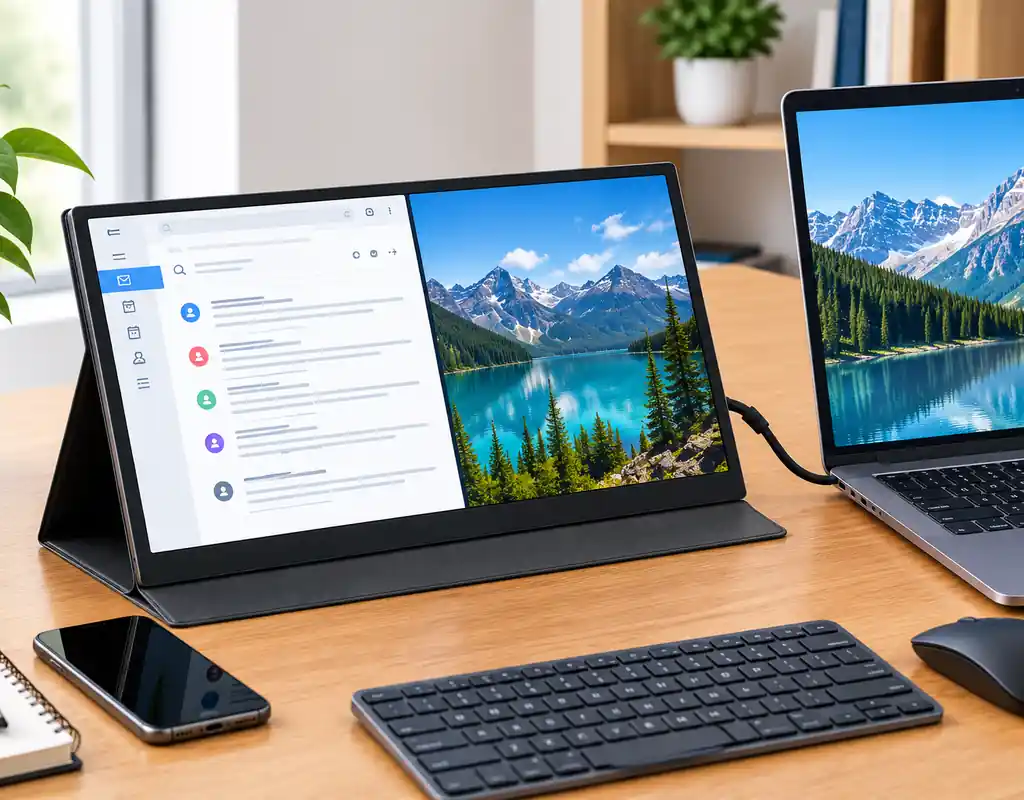
Budget pick — 15.6-Inch 1080p Portable Monitor.A no-frills 1080p portable monitor with a simple folding cover does the job if you mainly want a second screen for reference documents, chat apps, or email while your main window stays front and center on a small desk. This type of 1080p portable monitor is a practical choice for everyday home office work.
Best overall — 14–15.6-Inch 1080p USB-C Portable Monitor.
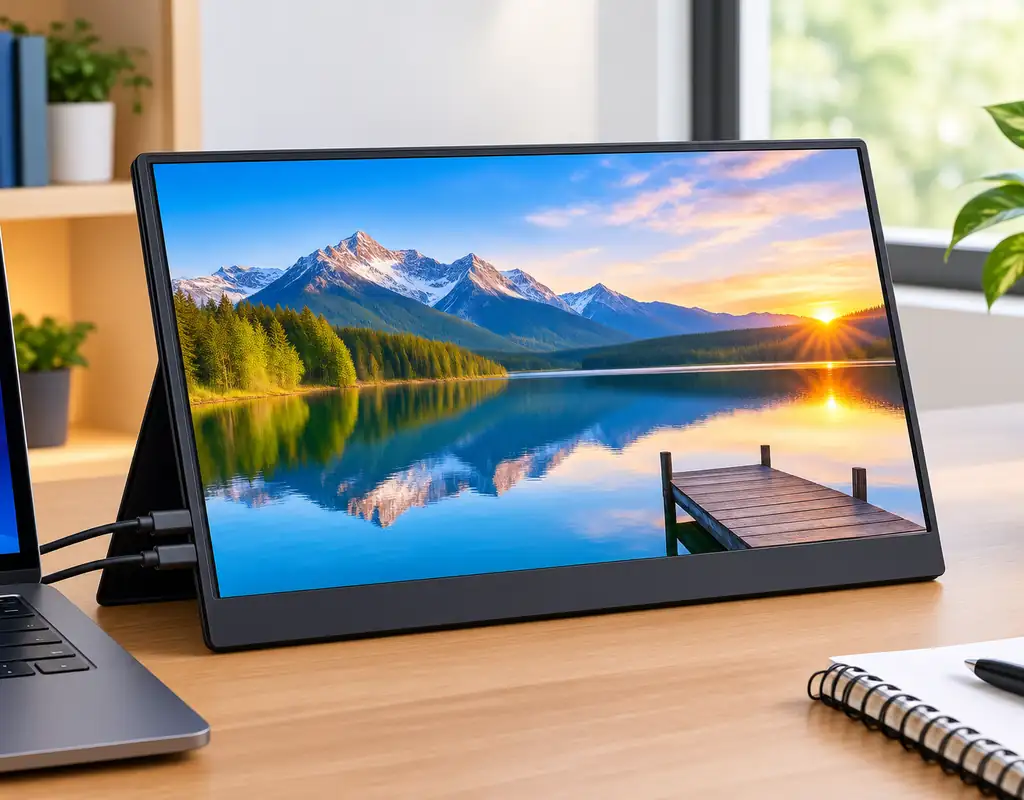
A 14–15.6 inch 1080p model with a built-in kickstand cover, dual USB-C ports, and decent brightness is the sweet spot for most people. If this portable monitor is going to sit on your small desk every working day, this is the category to aim for.
Premium pick — Portable OLED Monitor.
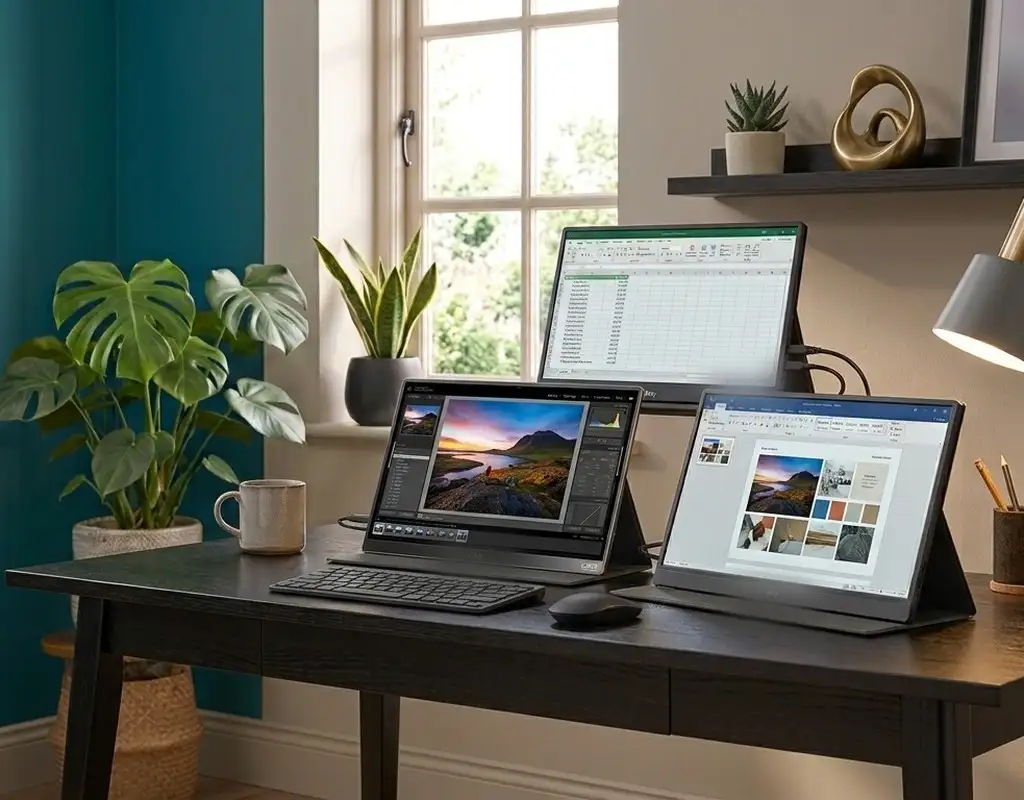
If you edit photos, do design work, or just want a noticeably sharper screen, a portable OLED monitor is worth the extra cost. These tend to have better viewing angles too, which helps when a small desk forces the screen into a corner.
Setting Up a Portable Monitor on a Small Desk
Place the portable monitor slightly behind or beside your laptop rather than dead in front of it — that way you’re not constantly snapping your head between two screens sitting at different depths. If your small desk has room for even a slim riser, raising the portable monitor to roughly eye level makes a real difference over a full workday. And if you’ve already got a fixed external monitor you’d like raised the same way, our monitor stand options for small desks guide walks through the options.
When you’re done for the day, most folding covers let the portable monitor stand upright on its edge, taking up barely more room than a closed laptop — handy if your small desk needs to be cleared for dinner, homework, or anything else.
The Bottom Line
You don’t need a bigger desk to get the benefit of a second screen — you just need the right portable monitor for your small home office. It gives you most of what a full external display offers: more room to work, less window-switching, easier multitasking, all without claiming a permanent spot on a desk that doesn’t have one to spare.
Choosing the best portable monitors for a small home office depends on your desk space, connection options, and how you plan to use the second screen.
For most compact workspaces, the best portable monitors for a small home office are lightweight, easy to set up, and practical for everyday multitasking. If you’re building out the rest of your small home office, our Work-From-Home Tech category has more practical gear guides, and our Buying Guides section can help you compare products before you buy.