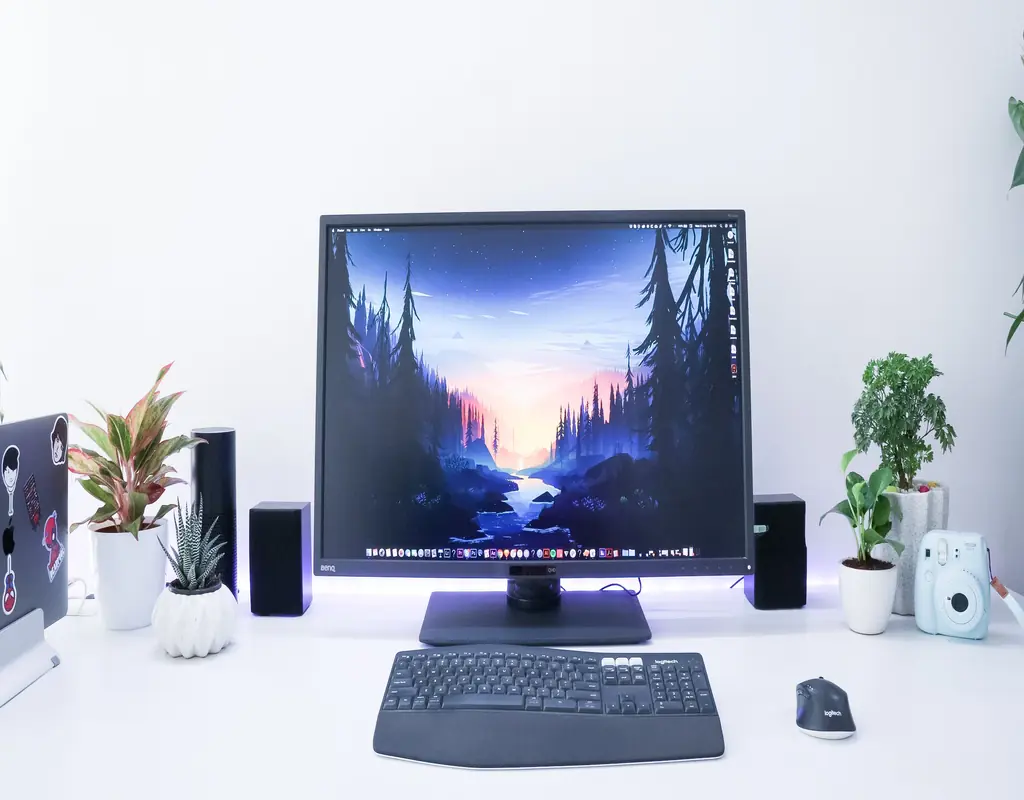
A monitor that sits too low can make a desk setup feel uncomfortable, especially when you spend several hours working in front of a screen. Raising the display can help create a more natural viewing position, while the right type of stand can also make better use of limited desk space.
For a small desk, the choice is not simply about getting the monitor higher. You also need to consider how much surface space the stand uses, whether you need extra storage, and whether you want the screen to remain fixed or adjustable.
If you are still choosing the desk itself, our guide to small desks for compact home offices is a useful place to start.
Monitor Stand Options at a Glance
| Monitor Stand Type | Main Benefit | Best For | Main Limitation |
|---|---|---|---|
| Wooden Platform Riser | Simple height increase with shelf space | Everyday single-monitor setups | Fixed height |
| Basic Metal Riser | Affordable and lightweight | Budget-conscious setups | May have lower weight limits |
| Clamp-On Monitor Arm | Frees up desk surface | Very small desks | Requires suitable desk edge |
| Dual-Monitor Stand | Supports two screens | Dual-monitor setups | Larger footprint |
| Riser With Storage | Adds organization underneath the monitor | Cluttered desks | Takes more space and costs more |
1. Wooden Platform Riser
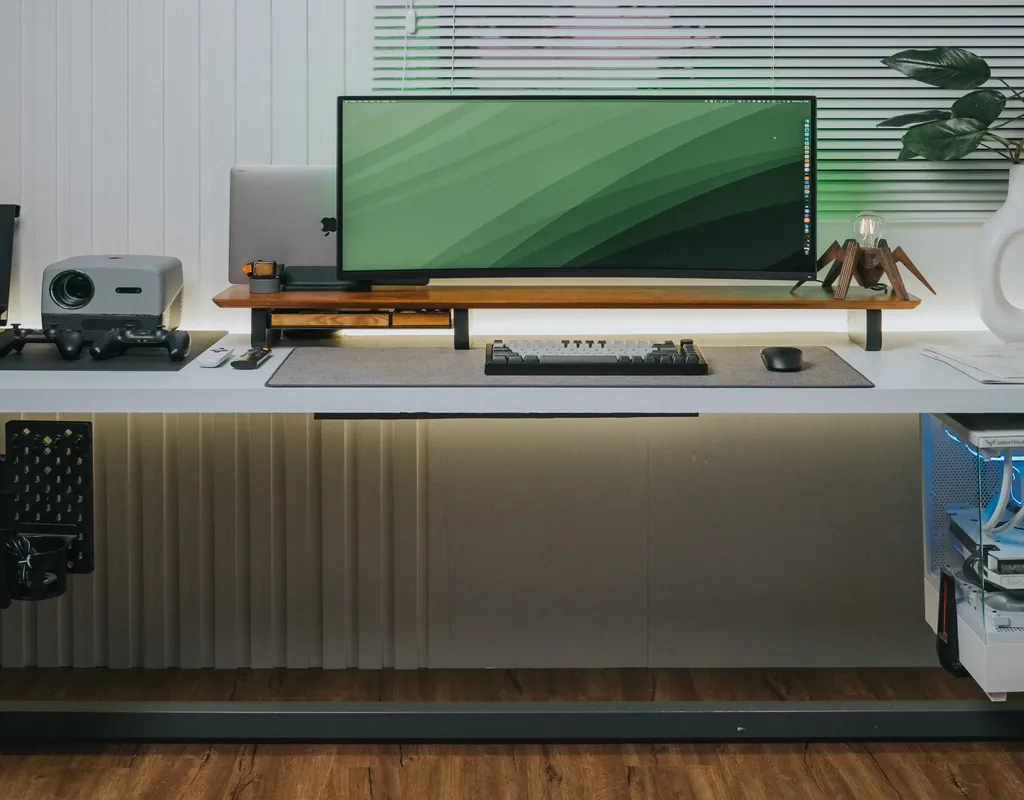
A wooden platform riser is one of the simplest ways to raise a monitor. It sits directly on the desk, requires little or no installation, and can create useful space underneath the screen.
That lower space can be used for a keyboard, notebook, small tray, or other everyday items. This can be particularly helpful when the desk is short on usable surface area.
The main limitation is the fixed height. Once you buy a riser, you are generally working with the height it provides, so measuring your current setup before buying is important.
Pros:
- Simple to use
- Usually stable
- Can create storage space underneath
- No clamp installation required
Cons:
- Height is usually fixed
- Still occupies part of the desk
- May not provide enough lift for every setup
Best for: Someone who wants a straightforward monitor lift without complicated installation.
2. Basic Metal Riser
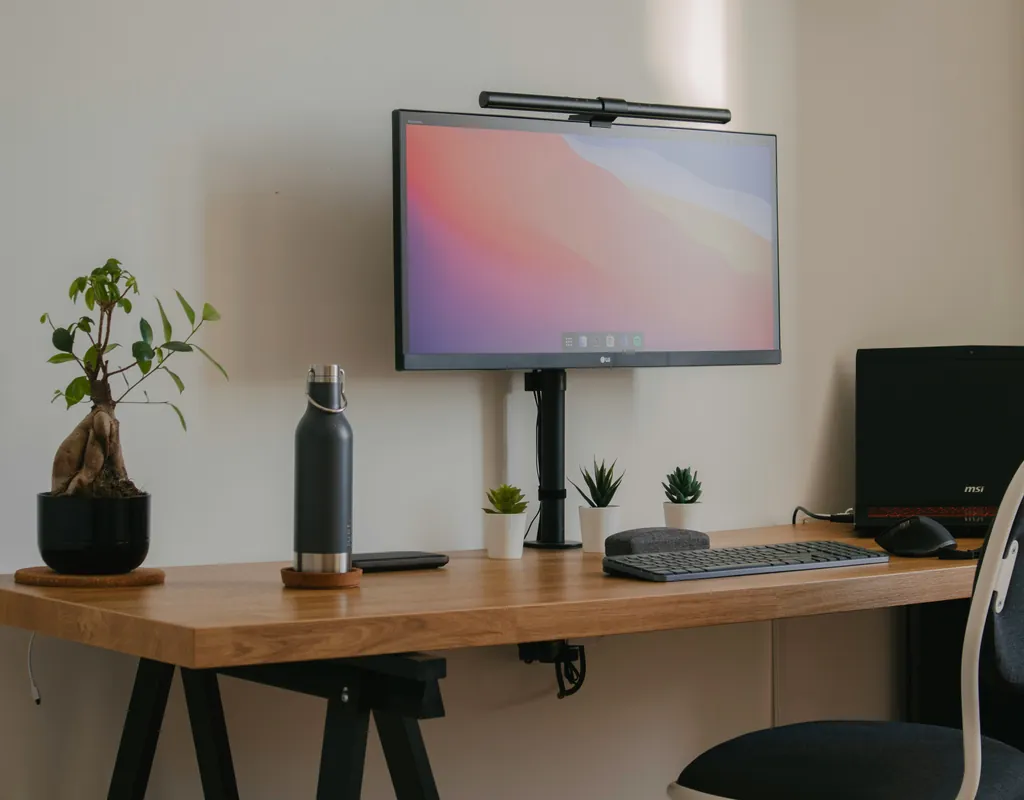
A basic metal riser can be a practical choice when you want a simple solution without spending much. Many designs use a lightweight metal frame that raises the screen while leaving an open area underneath.
The lighter construction can make these stands easy to move, which is useful if your desk has to serve more than one purpose.
However, sturdiness can vary between designs. Before buying, check the stated weight capacity and compare it with the actual weight of your monitor.
Pros:
- Generally affordable
- Lightweight
- Easy to move
- Open space underneath can be useful
Cons:
- Some designs may feel less substantial
- Weight capacity can vary
- Fixed-height designs offer limited adjustment
Best for: A basic setup where affordability and simplicity matter most.
3. Clamp-On Monitor Arm
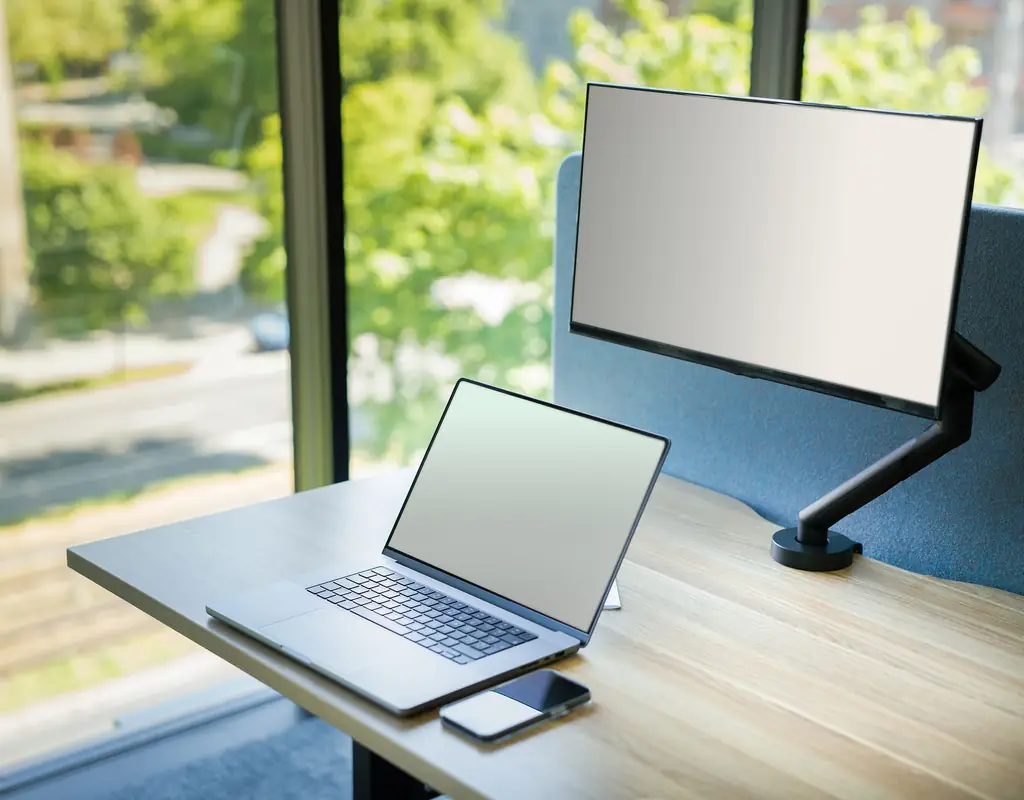
When desk space is the biggest problem, a clamp-on monitor arm can make much better use of the available surface.
Instead of sitting underneath the monitor, the arm attaches to the edge of the desk and holds the screen above the work surface. This can leave more room for your keyboard, mouse, notebook, or other equipment.
Monitor arms also tend to offer more adjustment than fixed risers. Depending on the design, you may be able to change the height, tilt, or viewing angle.
The important thing is to check whether your desk can accommodate the clamp and whether the monitor supports the required mounting system.
Pros:
- Frees up valuable desk space
- Usually offers better adjustment
- Useful for compact desks
- Can make cable routing easier
Cons:
- Requires installation
- Desk edge must be suitable
- Monitor mounting compatibility needs to be checked
Best for: Very small desks where every bit of surface space matters.
4. Dual-Monitor Stand
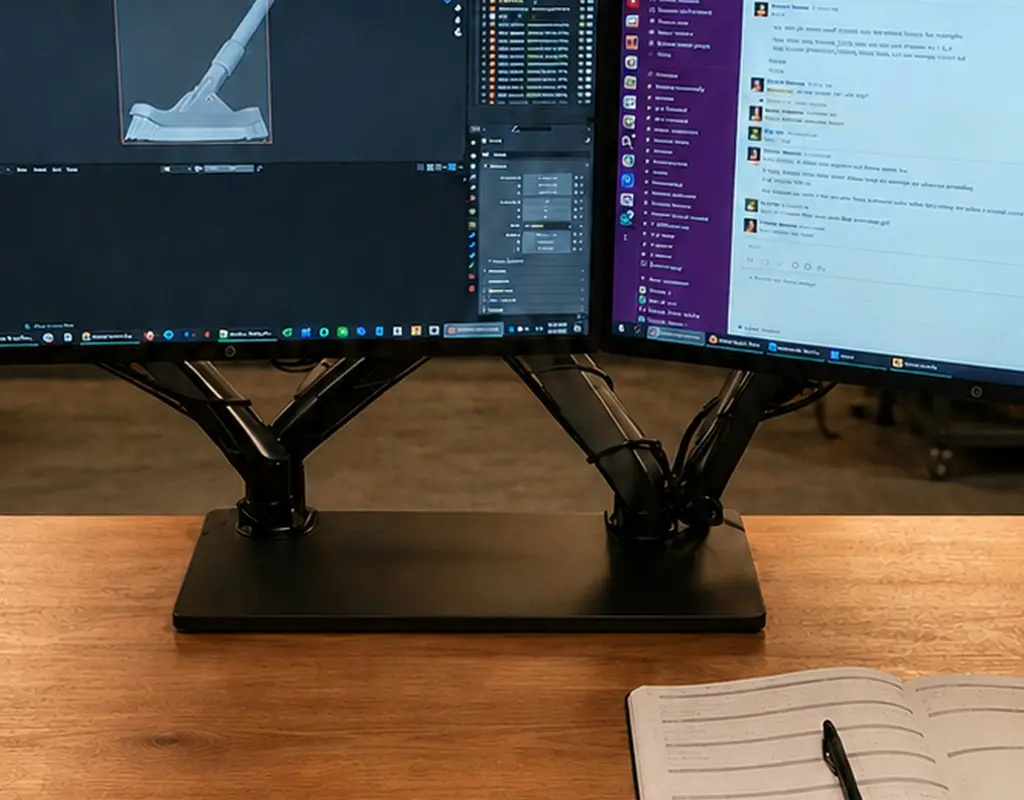
Two monitors need more support and a wider base than a single-screen setup. A dual-monitor stand is designed specifically for this situation.
A good dual-monitor platform should provide enough width and stability to keep both screens secure while still leaving some usable space underneath.
The downside is size. If you only use one monitor, a large dual-monitor stand can take up space without providing a meaningful benefit.
Pros:
- Designed for two monitors
- Provides a stable platform
- Can create storage space underneath
- Better suited to dual-screen setups
Cons:
- Takes up more desk space
- Unnecessary for single-monitor users
- Weight capacity becomes more important
Best for: People who regularly work with two monitors.
5. Monitor Riser With Storage
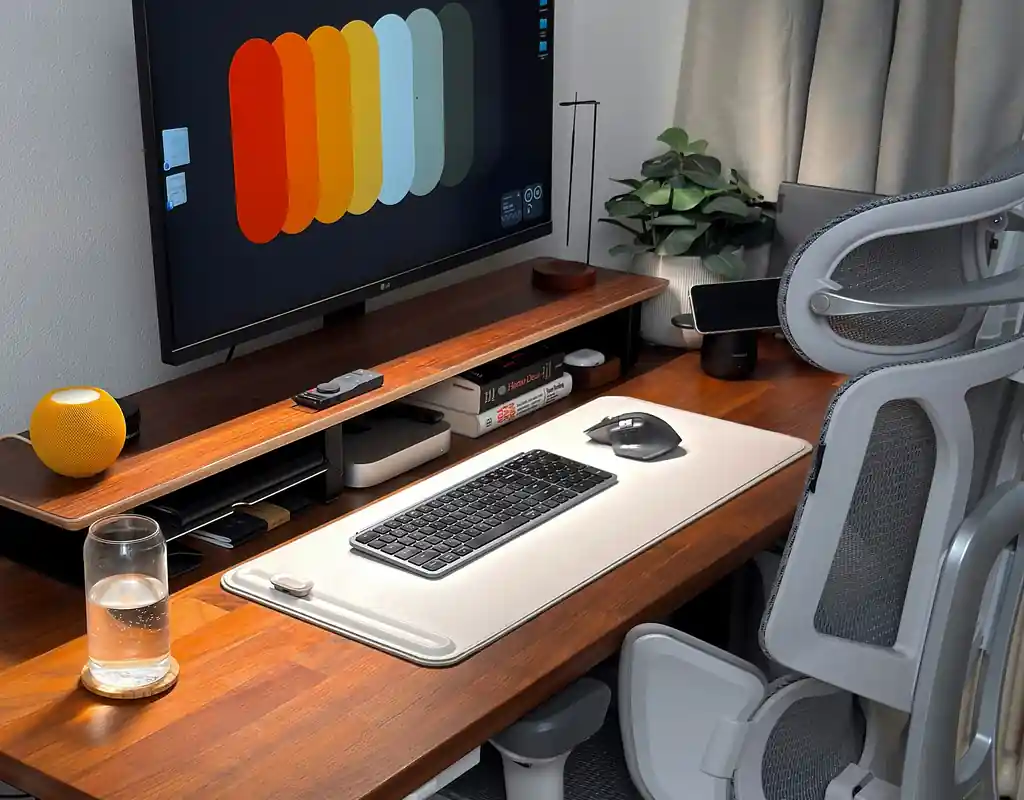
If your main problem is both monitor height and desk clutter, a riser with built-in storage can solve two problems at once.
Depending on the design, it may include a drawer, shelf, or open compartment underneath the monitor. This space can hold cables, pens, notebooks, USB accessories, or other small items.
The extra storage does make the stand bulkier, so measure the available desk area before buying.
Pros:
- Combines monitor elevation and storage
- Helps reduce visible desk clutter
- Makes use of space underneath the screen
- Useful for small workspaces
Cons:
- Larger than a basic riser
- Storage can add to the cost
- May reduce available desk depth
Best for: A workspace where organization is almost as important as monitor height.
Monitor Stand or Monitor Arm: Which Makes More Sense?
The choice between a stand and an arm mainly comes down to how you want to use your desk.
A monitor stand or riser sits directly on the desktop. It is usually simple to install, easy to move, and often less complicated than an arm. The downside is that it uses some of your valuable desk surface.
A monitor arm attaches to the desk and keeps the screen above the work surface. This can free up a significant amount of room, which makes it especially useful for compact desks.
If you have enough desk space and simply want to raise the monitor, a riser may be all you need.
If the desk already feels crowded, a monitor arm may make more sense because it addresses the space problem as well as the screen position.
What to Check Before Buying
Measure the Height You Actually Need
Do not choose a fixed-height riser simply because it looks suitable in a product photo. Measure your current screen position and consider how much additional height would make your setup more comfortable.
Check the Weight Capacity
Your monitor should fall comfortably within the stand’s stated weight limit. Larger displays can weigh more than expected, so check the actual monitor weight rather than judging by screen size alone.
Consider the Desk Footprint
A stand that looks small online can still occupy a noticeable amount of space on a compact desk.
Measure the width and depth of the stand and compare those measurements with the usable area of your desk.
If your workspace is particularly tight, an arm may be a better solution because it keeps the monitor off the desktop.
Check Mounting Compatibility
If you are considering a monitor arm, check whether your monitor has compatible mounting holes and whether the required mounting hardware is included.
The desk itself also needs to support the type of clamp or mounting system being used.
Think About Cable Management
A monitor stand does not have to include cable management, but keeping cables organized can make a small desk look and feel less cluttered.
If cable clutter is already a problem, our guide to cable management for a clutter-free desk has more practical ideas.
How a Monitor Stand Can Help a Small Desk
The biggest advantage of a good monitor stand is not necessarily the extra height. It is how the stand changes the way you use the space around the monitor.
A platform riser can create a small shelf underneath the screen. An arm can remove the monitor’s base from the desktop altogether. A riser with storage can give small accessories a dedicated place.
This is why the best choice depends on the problem you are trying to solve.
If you are building a compact workspace from scratch, you may also want to look through our Work-From-Home Tech category for other practical technology ideas.
For product comparisons and buying advice, our Buying Guides section can also help you evaluate different types of equipment before purchasing.
Frequently Asked Questions
Do I Need a Monitor Stand?
Not everyone needs one. If your monitor is already at a comfortable height and your desk has enough usable space, there may be little reason to add a stand.
A stand becomes more useful when your screen sits too low or the monitor base takes up valuable desk space.
What Height Should a Monitor Be?
A common starting point is to have the upper part of the screen around eye level when you are sitting normally. The exact position depends on your chair, desk, monitor size, and personal comfort.
Rather than relying on a fixed measurement, adjust the screen so you can view it without constantly tilting your head up or down.
Is a Monitor Arm Better Than a Stand?
Neither is automatically better.
A stand is usually simpler and easier to set up, while an arm can provide more adjustment and save desk space.
For a very small desk, the space-saving advantage of an arm can be significant.
Can a Monitor Stand Be Used With a Laptop?
Some laptop stands are designed specifically for laptops, while monitor risers are generally intended for external displays.
If you raise a laptop screen significantly, an external keyboard and mouse can make the setup more practical because the built-in keyboard may become uncomfortable to use.
Our small home office accessories guide also covers useful accessories that can make a compact workspace easier to use.
Is a Monitor Stand Useful on a Standing Desk?
It can be. A fixed riser can raise the screen to a suitable position, but an adjustable monitor arm may be more flexible if you regularly switch between sitting and standing.
Final Thoughts
Choosing a monitor stand for a small desk is really about solving two problems: screen position and limited workspace.
A simple platform riser can be enough if you only need a little extra height. A metal riser can keep the solution lightweight and affordable. A clamp-on arm makes more sense when desk space is the main concern, while a dual-monitor stand is designed for people who work with two screens.
Before buying, measure your desk, check the monitor’s weight and mounting requirements, and think about how much desk space you are willing to give up.
The right solution is not necessarily the largest or most feature-packed option. It is the one that improves your setup without creating another space problem.
If you are still building your compact workspace, you can also explore our Small Home Office guides for more ideas.