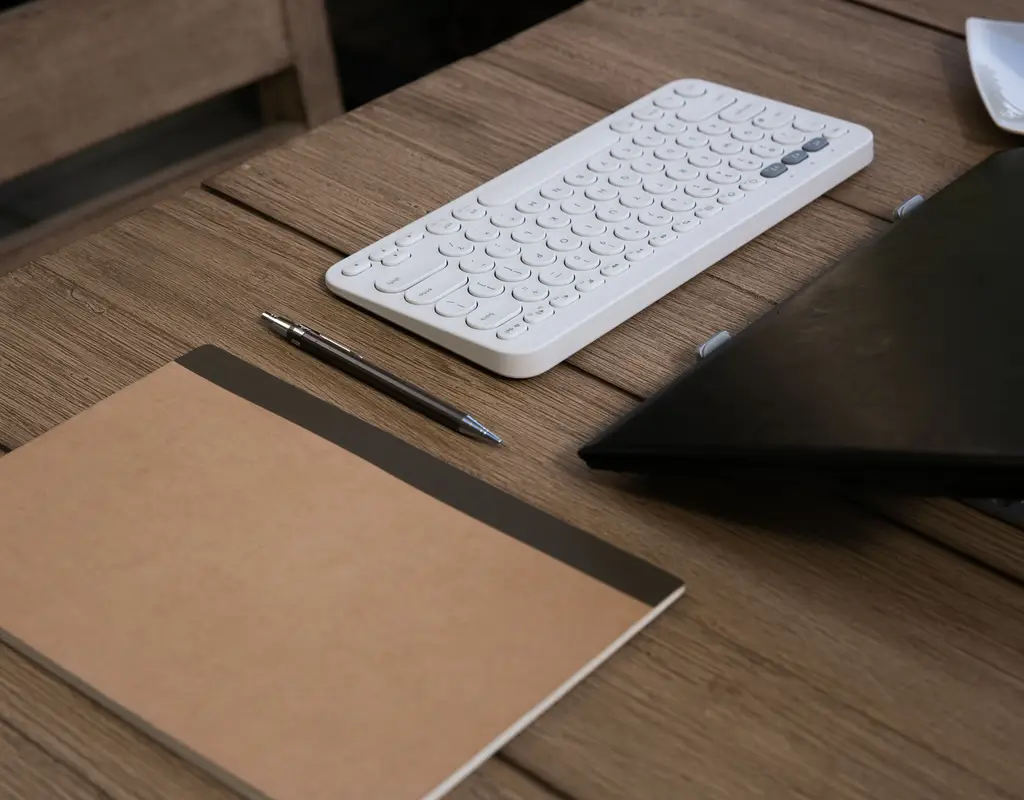
A full-size keyboard can take up more desk space than you expect. The number pad, extra spacing, and wider layout can push your mouse farther away and leave less room for a laptop, notebook, or other everyday items. That is why the best compact keyboards for small desks can make a noticeable difference without requiring you to change your entire workspace.
For a small home office, the goal is not simply to buy the smallest compact keyboard available. The better approach is to choose a layout that saves useful desk space while keeping the keys you actually use during work. A good compact keyboard for a small desk should give you enough room for comfortable typing, mouse movement, and simple desk storage.
Affiliate Disclosure: Some links in this guide are affiliate links. If you buy through them, we may earn a commission at no extra cost to you.As an Amazon Associate I earn from qualifying purchases.
Why Compact Keyboards Work Well on Small Desks
The biggest advantage of the best compact keyboards for small desks is the extra horizontal space they create. Removing the number pad or compressing the keyboard layout can leave more room for your mouse and other work essentials.
This matters even more when your laptop already takes up part of the desk. A compact keyboard for a small desk can sit beside or in front of a laptop without making the entire workspace feel crowded. If you’re still working out where the laptop itself should sit, our guide to laptop stands for small desks covers ways to free up exactly this kind of space.
A smaller keyboard can also make it easier to move your mouse closer to your body. On a narrow desk, a compact keyboard can make the whole setup feel more balanced instead of forcing the mouse toward the edge.
What Keyboard Size Should You Choose?
Keyboard sizes are usually described using terms such as TKL, 75%, and 60% — and each one changes how much desk space a compact keyboard actually saves. These are useful general categories, although the exact key arrangement and physical width can vary between models.
A 75% keyboard keeps many of the keys people use regularly, including the function row and dedicated arrow keys, while removing the number pad and compressing the layout. This makes it one of the most practical choices among the best compact keyboards for small desks.
A TKL keyboard removes the number pad but keeps a more familiar full keyboard arrangement. It is a good compact keyboard choice if you want to save space without making a big adjustment to your typing habits.
A 60% keyboard goes much smaller by removing the dedicated function row, arrow keys, and navigation cluster. It can be an excellent compact keyboard for extremely limited desk space, but some users need time to get comfortable with function-layer shortcuts.
What to Look For Before Buying
Layout size. When comparing the best compact keyboards for small desks, start with the space available on your desk. Measure the area where your keyboard and mouse actually sit instead of relying only on the product’s percentage label.
Typing layout. If you regularly use arrow keys or function keys for work, a 75% layout may be easier to live with than a 60% keyboard. A compact keyboard for a small desk should save space without making everyday tasks unnecessarily complicated.
Wired or wireless connection. Wireless compact keyboards can reduce cable clutter, while wired models avoid battery charging. Either can work well with a small workspace depending on your setup and available desk storage.
Keyboard height. A compact keyboard can still feel uncomfortable if it has a tall case or aggressive typing angle. Look for a design that lets your hands sit naturally during longer work sessions.
Key feel. Mechanical keyboards can offer a more defined typing feel, while low-profile or membrane models may be quieter and simpler on a compact layout. The right choice depends on how much you type and whether your workspace is shared.
Extra features. Backlighting, Bluetooth, multi-device switching, and rechargeable batteries can be useful on a compact keyboard, but they should not come at the cost of the compact footprint that makes it useful in the first place.
Three Compact Keyboards Worth Considering
1. Best Budget Pick — Compact 75% Keyboard
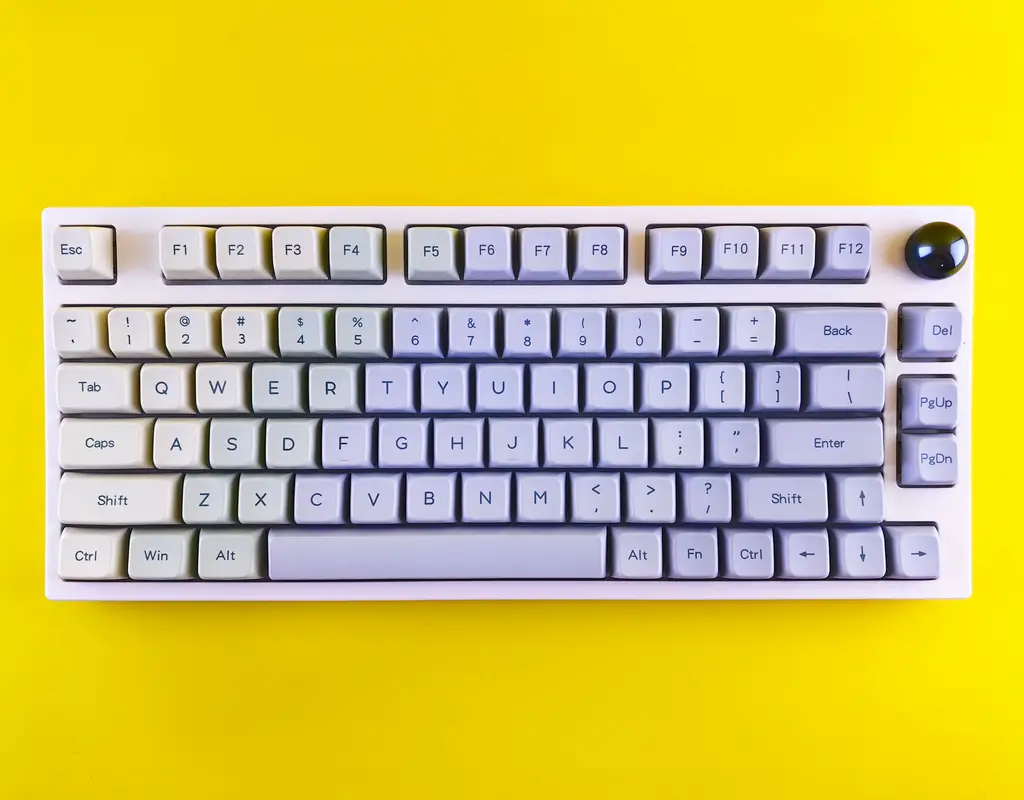
A compact 75% keyboard is a strong starting point if you want to save desk space without giving up dedicated arrow keys and the function row. This layout offers a useful balance between a familiar keyboard and a smaller footprint.
For a small home office, look for a compact 75% keyboard with a simple layout, comfortable keys, and a footprint that leaves enough room for your mouse. This is a practical choice for everyday writing, browsing, spreadsheets, and general work.
Key features to look for:
- 75% compact layout
- Dedicated arrow keys
- Function row
- Wired or wireless connection
- Comfortable typing angle
- Compact footprint
2. Best Overall — Tenkeyless Mechanical Keyboard
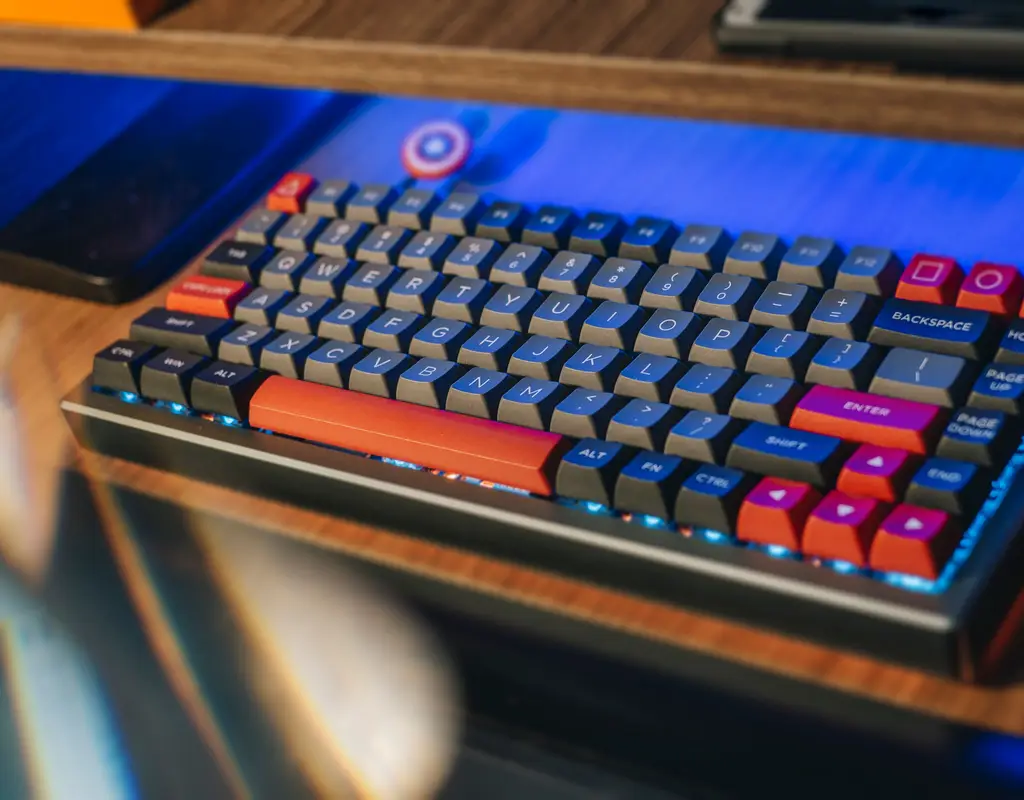
A tenkeyless mechanical keyboard is a good compact keyboard option if you want a familiar typing layout while removing the number pad. TKL keyboards generally retain the function row, arrow keys, and navigation area, making them easier to adapt to than much smaller layouts.
Among the best compact keyboards for small desks, this type works particularly well for people who type frequently but do not need a dedicated number pad. It also gives your mouse more room compared with a full-size keyboard.
Key features to look for:
- Tenkeyless layout
- Mechanical switches
- Dedicated arrow keys
- Function row
- Compact width
- Wired or wireless connectivity
3. Best for Very Small Desks — 60% Compact Keyboard
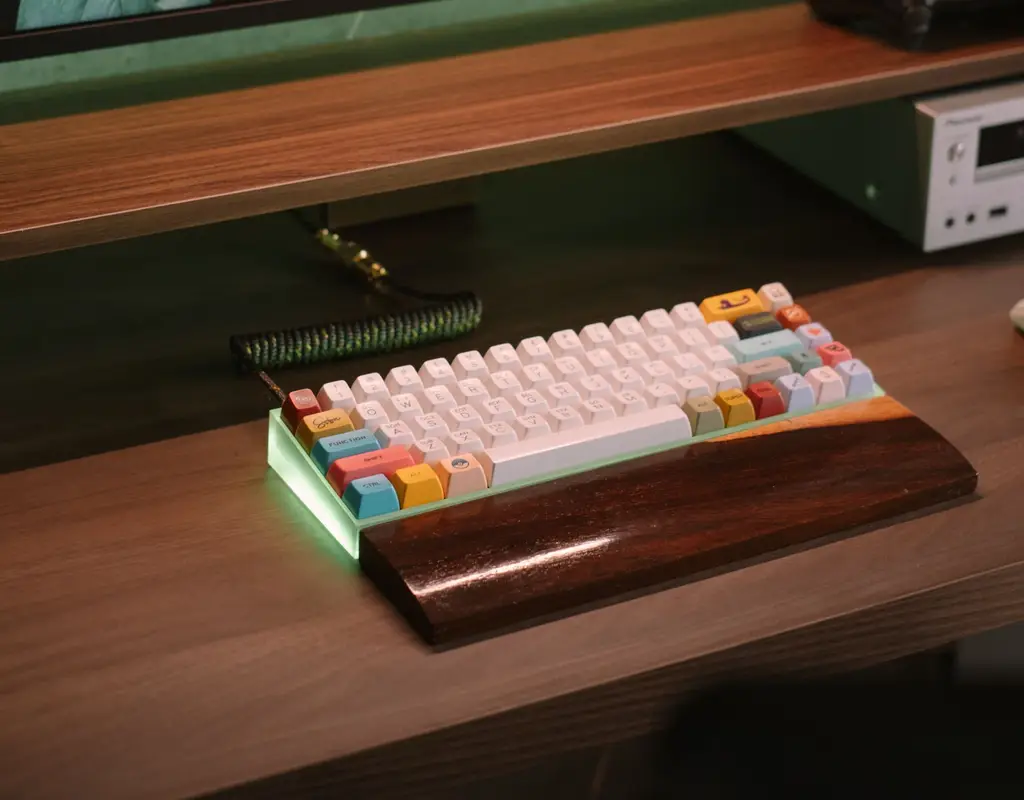
If desk space is extremely limited, a 60% compact keyboard can free up considerably more room than larger layouts. It removes several dedicated key groups and relies on function-layer shortcuts for some commands.
This compact keyboard can be a good choice if you mainly type, browse, write emails, and use basic shortcuts. However, if your work depends heavily on arrow keys or function keys, a larger compact layout may be more convenient.
Key features to look for:
- 60% layout
- Very small footprint
- Lightweight construction
- Wireless option if useful
- Comfortable key spacing
- Easy-to-use function layers
How to Make a Compact Keyboard Work Better on Your Desk
The best compact keyboards for small desks work even better when the rest of the desk is organized around them. Keep the keyboard centered in front of your main screen and leave enough space beside it for normal mouse movement.
If your laptop is also on the desk, position it so the compact keyboard does not force your mouse into a narrow corner. A compact keyboard can create useful extra room, but that space is most valuable when you actually keep it clear.
Cable management can also make a difference with a compact keyboard setup. If you use a wired compact keyboard for a small desk, keep the cable close to the rear edge of the workspace rather than letting it cross the center of the desk — our cable management solutions for small desks guide has more ways to keep that area tidy.
When you are finished working, a smaller keyboard is also easier to move aside if your desk serves more than one purpose. That extra flexibility from a compact keyboard can be useful in a small home where the same surface may need to serve as a work area, writing space, or general storage area. If your small desk is also doing double duty as a second-screen setup, our guide to portable monitors for a small home office can help you fit a second display into the same limited footprint.
Which Compact Keyboard Is Right for You?
If you want the easiest balance between size and functionality, a 75% compact keyboard is a strong choice. It saves space while keeping important keys that many people use every day.
If you want a familiar keyboard experience and mainly need to remove the number pad, a tenkeyless compact keyboard may be the better option.
If your desk is extremely small and maximum space saving is the priority, a 60% compact keyboard can give you the smallest footprint. Just make sure you are comfortable using function layers for keys that are no longer dedicated.
Frequently Asked Questions
What size compact keyboard is best for a small desk?
For most small home offices, a 75% or TKL compact keyboard offers the best balance — it saves noticeable desk space while keeping the arrow keys and function row that many people rely on daily. A 60% compact keyboard saves even more room but requires getting used to function-layer shortcuts.
Do compact keyboards work well for typing and spreadsheets?
Yes. A 75% or TKL compact keyboard keeps the keys most people need for everyday typing, browsing, and spreadsheet work. A 60% compact keyboard can still handle these tasks, but frequent number entry is easier with a layout that keeps a number row and function keys within easy reach.
Is a wireless or wired compact keyboard better for a small desk?
Either can work well. A wireless compact keyboard reduces cable clutter on a small desk, while a wired compact keyboard avoids battery charging altogether. The better choice depends on how much you value a cleaner desk versus one less thing to charge.
Will I lose important functionality with a 60% compact keyboard?
You won’t lose the keys permanently, but a 60% compact keyboard moves arrow keys, function keys, and navigation controls onto a function layer accessed through an Fn key. This works fine for many people after a short adjustment period, but it can slow down tasks that depend heavily on those keys.
Can a compact keyboard fit next to a laptop on a small desk?
Yes — this is one of the main reasons people choose a compact keyboard for a small desk in the first place. Removing the number pad and compressing the layout gives a compact keyboard a smaller footprint, which leaves enough room to place it beside or in front of a laptop without crowding the rest of the desk.
The Bottom Line
The best compact keyboards for small desks are not necessarily the smallest ones. The right choice depends on which keys you use most and how much desk space you need for your mouse, laptop, storage, and other work essentials.
For most small home offices, a 75% or TKL compact keyboard provides a good balance between functionality and space saving. A 60% keyboard makes more sense when every inch matters and you are comfortable with a more compact layout.
Before buying a compact keyboard, measure your available keyboard space and think about the keys you use every day. A compact keyboard that fits your actual workflow will be much more useful than simply choosing the smallest option available.
Pingback: Best Wireless Mice for Small Desks: Compact Options
Pingback: Small Home Office Printer Setup: 7 Space-Saving Tips