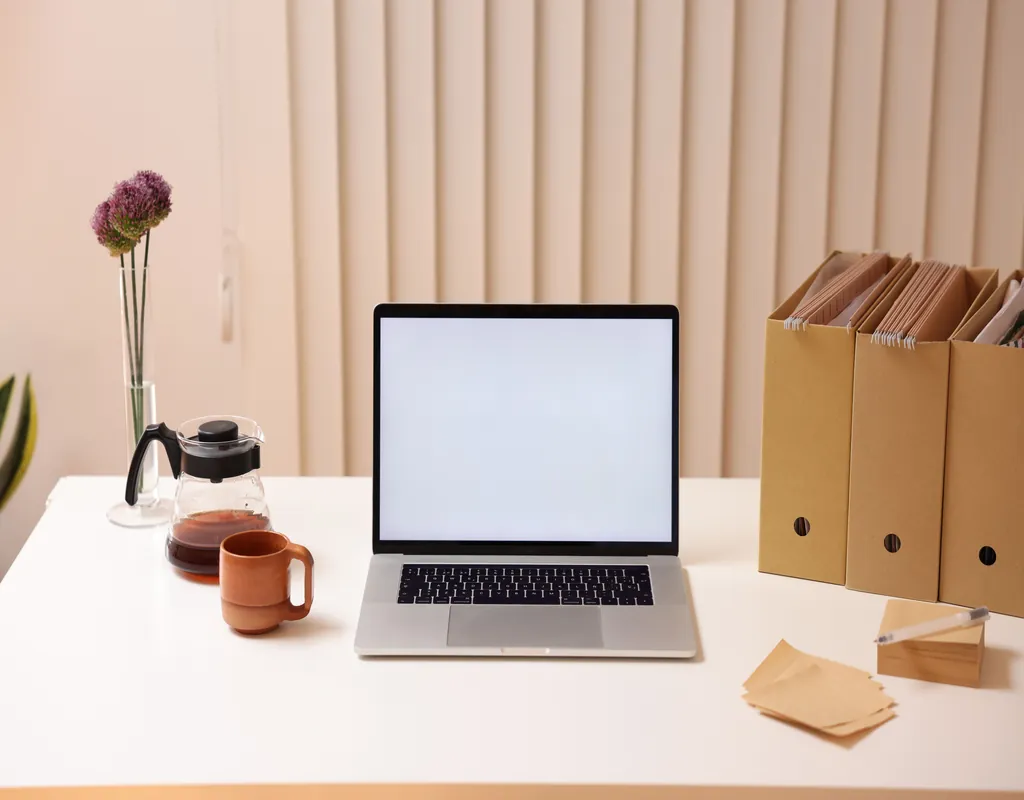
A small desk fills up fast. Give it six months and it collects a charging cable that belongs to a device you no longer own, three pens that don’t write, a stack of paper you keep meaning to file, and a coffee mug that’s been there since Tuesday. None of it is a big mess on its own. Together, it’s enough to make a 40-inch desk feel like it’s 20.
If you haven’t set up the storage side of things yet — shelves, drawer units, cable clips — our guide to 8 Small Home Office Storage Ideas to Keep Your Workspace Organized covers that groundwork. This post picks up from there: once the storage exists, what actually keeps it from filling back up with clutter within a month?
The short answer is that organizing a small desk isn’t a one-time project — it’s a handful of small habits and rules that decide where things go before they land on the desk in the first place.
Give Everything a Home Before It Arrives
Clutter isn’t usually a discipline problem. It’s a design problem. If a cable, a notebook, or a stack of mail doesn’t have an assigned spot, it will end up on the nearest flat surface — which, on a small desk, is the whole desk.
Before you buy a single organizer, walk through what actually lands on your desk in a normal week: mail, a notepad, headphones, a water bottle, receipts. Then assign each category a specific place so that putting something away takes the same amount of effort as setting it down.
Set a One-Purpose Rule for the Desktop Itself
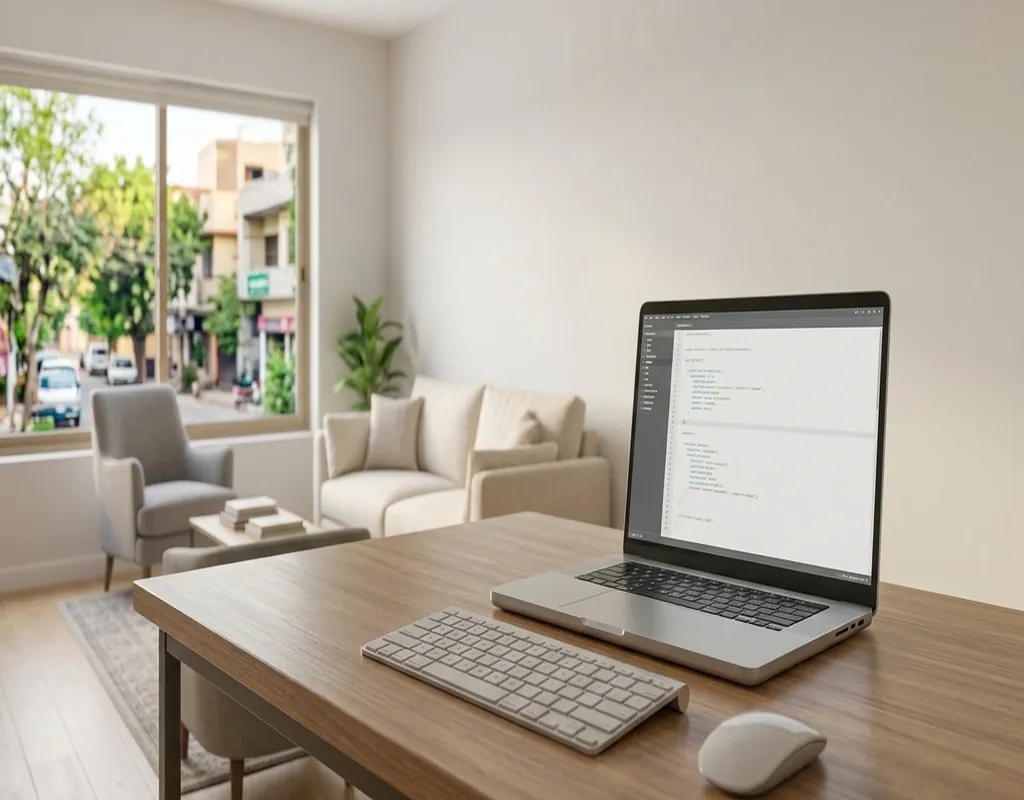
The desk surface is the most visible part of the room, and it’s usually the first thing that decides whether a workspace “feels” organized or not — regardless of how tidy the drawers are.
A simple rule helps: only things you touch today stay on the desktop. That typically means a laptop, a notebook, maybe one small plant. Everything else — reference books, backup supplies, yesterday’s mail — belongs in a drawer, on a shelf, or somewhere off the desk entirely. If your current desk doesn’t leave much room to enforce this, it might be worth revisiting the desk itself; our 5 Best Small Desks for a Small Home Office roundup covers a few options with built-in storage that make this easier.
Build a Weekly Reset Into Your Routine
Organization systems fail less often because the system was wrong and more often because nobody keeps up with it. A daily or weekly habit prevents the slow buildup that turns a tidy desk into a cluttered one over a few weeks.
A five-minute reset works well: mug back to the kitchen, mail into its tray, loose cables back on their clips, notebook closed and stacked. Do it at the end of each work session rather than waiting until the desk is genuinely messy — resetting a slightly untidy desk takes five minutes; resetting a fully cluttered one takes twenty.
Cables in particular tend to work loose from whatever holds them in a day or two, which is usually a sign the setup needs a better system rather than more frequent resets. If cables are a recurring problem on your desk specifically, our Best Cable Management Solutions for Small Desks guide covers options built for that.
Sort by How Often You Actually Use It
Not everything that lives near the desk needs to be within arm’s reach, and not everything within arm’s reach needs to live there permanently. A simple three-tier sort keeps the desk from becoming general storage:
- Daily — laptop, current notebook, pen — stays on the desktop.
- Weekly — extra cables, a planner, reference material — goes in the nearest drawer or shelf.
- Occasional — old files, seasonal supplies, backup equipment — moves off the desk setup entirely, into a closet or storage elsewhere in the room.
This is less about where things are stored (that’s the storage-ideas side of things) and more about deciding which tier something belongs in — which is usually the step people skip.
Digitize What You Can
Paper is one of the heaviest clutter categories because it rarely has an obvious home. A stack of printed documents or reference notes tends to just sit wherever it was set down last, and it’s the category most likely to quietly take over a desk corner.
Where possible, scan documents and store them digitally instead of keeping printed copies. A small desktop scanner or a phone scanning app can clear a surprising amount of physical clutter without losing access to the information. This pairs well with a small filing cabinet for whatever still needs to stay on paper — the two approaches work together rather than replacing each other.
Review What’s Accumulated Once a Month
Weekly resets handle day-to-day tidiness, but they don’t catch the slower kind of clutter — accessories you stopped using, cables for devices you replaced, notes for a project that wrapped up two months ago. That stuff doesn’t get in the way daily, so it’s easy to let it sit indefinitely.
Once a month, go through drawers and shelves and ask whether each item earned its spot in the last few weeks. If it didn’t, it’s a candidate to store elsewhere or get rid of. This is also a good moment to check whether your accessories are still solving a real problem — if you’re not sure what’s actually worth keeping on a small desk, our guide to 10 Small Home Office Accessories Worth Adding to Your Desk is a useful gut check.
If the Office Shares a Room, Keep the Boundaries Clear
A desk that shares space with a bedroom or living room accumulates clutter faster, because household items drift into the workspace and work items drift out. Keeping a consistent boundary — even a loose one, like “nothing from the rest of the room sits on this desk overnight” — makes the weekly reset far more effective.
If this is your situation, our guide on How to Organize a Small Room That Serves More Than One Purpose covers the layout side of drawing that boundary in more depth.
Frequently Asked Questions
What’s the fastest way to organize a cluttered small desk?
Start with a single pass: clear everything off the desktop, then only put back what you use daily. Everything else goes into a drawer, a shelf, or gets removed from the desk setup entirely. From there, a five-minute end-of-day reset keeps it from building back up.
How often should I reorganize my home office desk?
A quick reset daily or every few work sessions handles surface clutter. A deeper review — checking drawers and shelves for things that haven’t earned their spot — works well done monthly rather than daily, since that kind of clutter builds up slowly.
Do I need to buy organizers to keep a small desk tidy?
Not necessarily. Physical organizers help, but the bigger factor is usually having a rule for where each category of item goes and a habit of resetting regularly. A drawer with no dividers stays tidy if only a few categories of items go in it and it’s cleared out often enough.
What should always stay off a small desk surface?
Anything you don’t use that day: reference books, backup supplies, old mail, spare cables, and personal items that migrated over from another part of the room. The desktop works best when it’s reserved for what you’re actively using right now.
How do I stop a shared office space from getting cluttered?
Set a loose boundary — for example, nothing from the rest of the room stays on the desk overnight — and keep to it during your regular reset. Shared spaces collect clutter faster because items drift in from both directions, so the boundary needs to be enforced a little more deliberately than in a dedicated office.
The takeaway: the storage itself — shelves, drawers, cable clips — only holds up if there’s a system deciding what goes where and when it gets reset. Set the assignments once, build in a regular reset, and revisit what’s accumulated every so often. That combination does more for a small desk than any single organizer will.