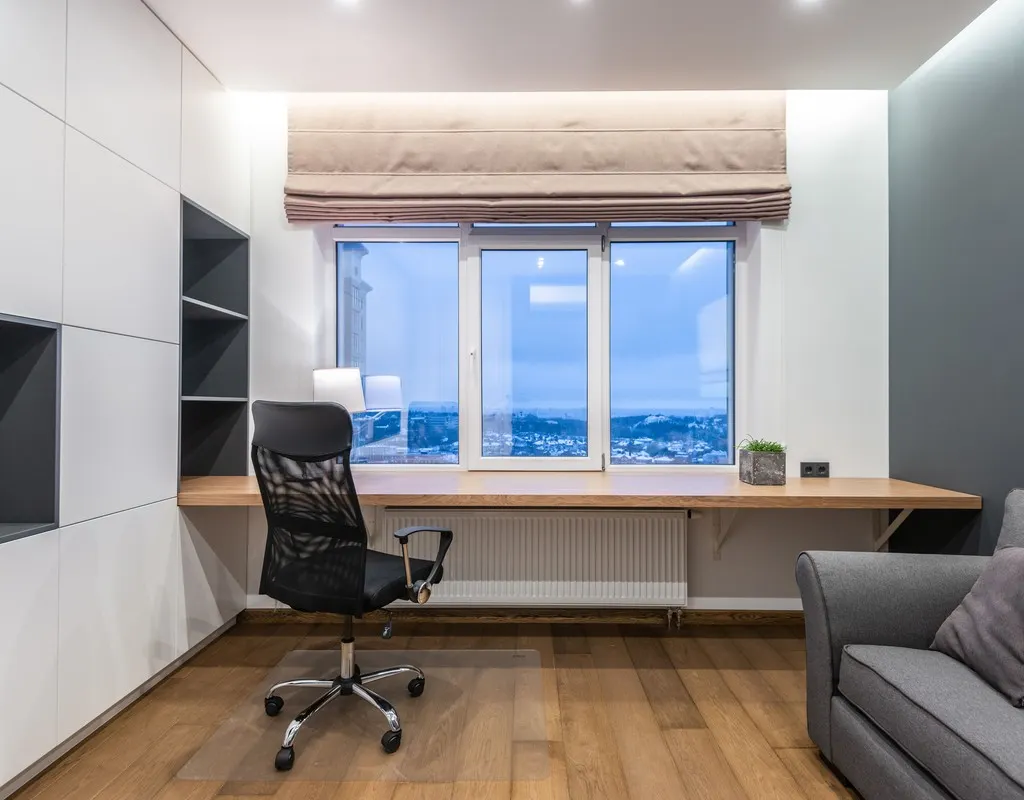
A small home office can give you a dedicated place to work, but privacy can be harder when your workspace is part of a bedroom, living room, or another shared area. You may need to take calls, attend meetings, concentrate on important tasks, or simply work without feeling like everyone around you is watching.
The good news is that creating a more private workspace does not always require a separate room or a major renovation. Small changes to how your workspace is separated, positioned, and used can make it feel more personal and less exposed.
These small home office privacy ideas focus on practical ways to create visual separation, reduce interruptions, and make a compact workspace feel more comfortable without making the room feel closed in.
1. Small Home Office Privacy Ideas: Create a Clear Boundary
One of the easiest ways to make a small home office feel more private is to give it a clear boundary.
When a desk sits directly in the middle of a shared room, it can feel like there is no real separation between work and everything else happening around it. Even a simple visual boundary can make the workspace feel more intentional.
You do not necessarily need to build a permanent wall. A lightweight screen, curtain, partial partition, or another movable element can help define where the work area begins and ends.
The goal is not to completely hide the desk. Instead, create enough separation that the workspace feels like its own zone.
This approach can be especially useful when a home office shares space with a bedroom or living area.
Keep the Boundary Lightweight
In a small room, a large permanent partition can make the space feel smaller. A lighter solution gives you the option to open the area when you need more room.
A movable boundary can also be useful when the same room serves multiple purposes. You can create a more private working area during the day and open the space again when work is finished.
2. Position the Desk Away From Heavy Household Traffic
Desk placement can affect how private a workspace feels.
If people regularly walk directly behind your chair, the workspace may feel exposed. Constant movement can also become distracting, especially during focused work or online meetings.
Instead, look for a position where the desk is slightly removed from the main path through the room.
You do not need to redesign the entire room. Sometimes moving the desk a small distance away from a doorway or frequently used walkway can make the workspace feel calmer.
Think About What Happens Behind You
When choosing a desk position, pay attention to what is behind your chair.
A busy walkway directly behind the desk can make you feel like you are constantly being approached or interrupted. A quieter wall or less-used part of the room can provide a stronger sense of personal space.
This is particularly useful if you frequently attend video meetings or need uninterrupted concentration.
For more ideas about arranging and managing a compact workspace, see our guide to Small Home Office Desk Organization Ideas.
3. Use a Visual Screen Without Closing Off the Room
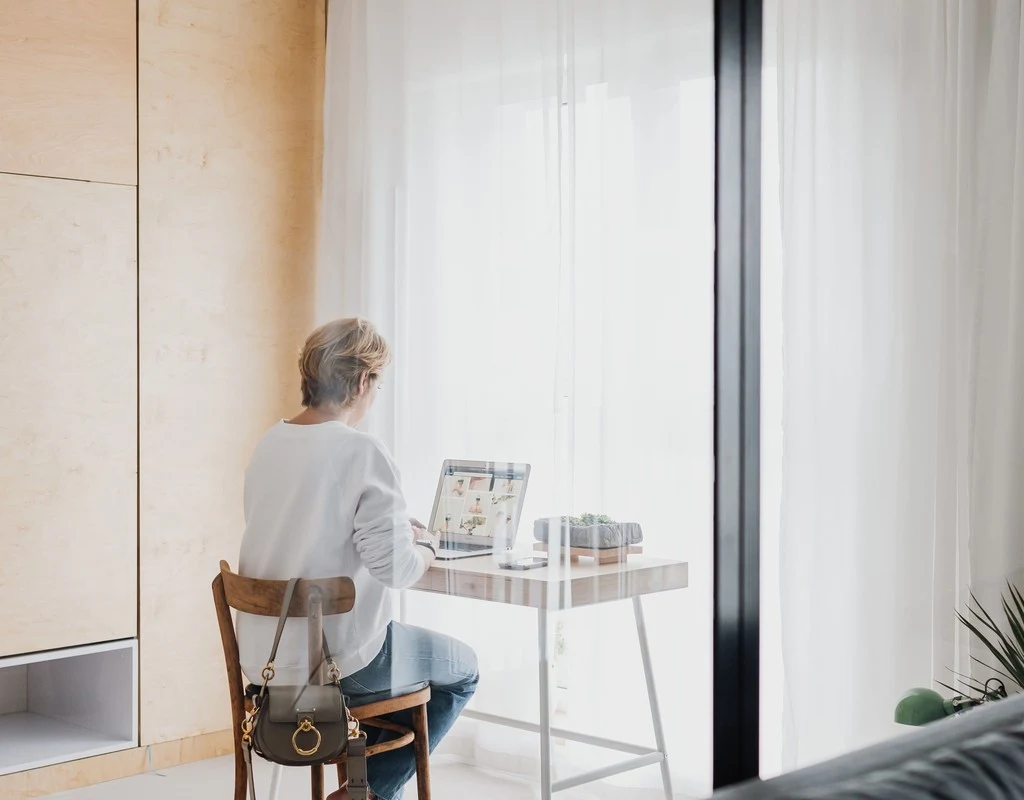
A visual screen can provide privacy while keeping a small workspace open.
The important thing is to choose a solution that blocks the most distracting sightlines without creating a heavy barrier.
For example, a folding screen can be positioned beside or slightly behind the desk when you need more privacy. It can then be moved when you want the room to feel more open.
A partial screen can also be useful in a shared room because it creates separation without requiring permanent construction.
Choose the Right Height
A screen does not always need to extend from the floor to the ceiling.
A lower or medium-height barrier may be enough to interrupt direct sightlines while allowing natural light to move through the room. This can help prevent a small office area from feeling boxed in.
Before adding a screen, check how much floor space it requires when opened. In a compact workspace, the solution should improve privacy without creating a new obstacle.
4. Make a Shared Room Feel Like a Dedicated Workspace
Many small home offices are not located in separate rooms.
Your desk may be in a bedroom, living room, dining area, or another room that has to perform several jobs. In this situation, privacy is partly about making the work area feel separate from the rest of the room.
One practical approach is to create a consistent work zone.
Keep the desk facing a direction that supports concentration, and make the area around it clearly associated with work. You can use a defined floor area, a small screen, or a carefully positioned piece of furniture to visually separate the zone.
The purpose is not decoration. The purpose is to make the workspace easier to distinguish from the rest of the room.
These small home office privacy ideas can help create a dedicated feeling even when the workspace is part of a shared room.
Avoid Creating a Crowded Zone
A common mistake is trying to create privacy by adding too many objects around the desk.
In a small room, excessive furniture can make movement difficult and reduce the usable space. The privacy solution should be simple enough that you can still move around comfortably.
Think in terms of separation rather than enclosure.
5. Reduce Visual Distractions During Work Hours
Privacy is not only about whether another person can see you. It can also be about controlling what you see while working.
A desk facing a television, busy hallway, kitchen activity, or frequently used doorway can make it difficult to stay focused.
If possible, position your workspace so the most distracting parts of the room are outside your direct view.
You can also use a partial visual barrier to block a particularly distracting sightline.
This does not need to be complicated. The objective is simply to make the area immediately around your desk feel calmer.
Consider Your Screen Position Too
Your computer screen should also be positioned thoughtfully.
If other people regularly pass through the room, turning the screen away from the main walkway can provide a basic level of visual privacy.
This is especially useful when working with information that you would rather not have visible to everyone nearby.
6. Create a Quieter Work Zone Without Trying to Soundproof the Room
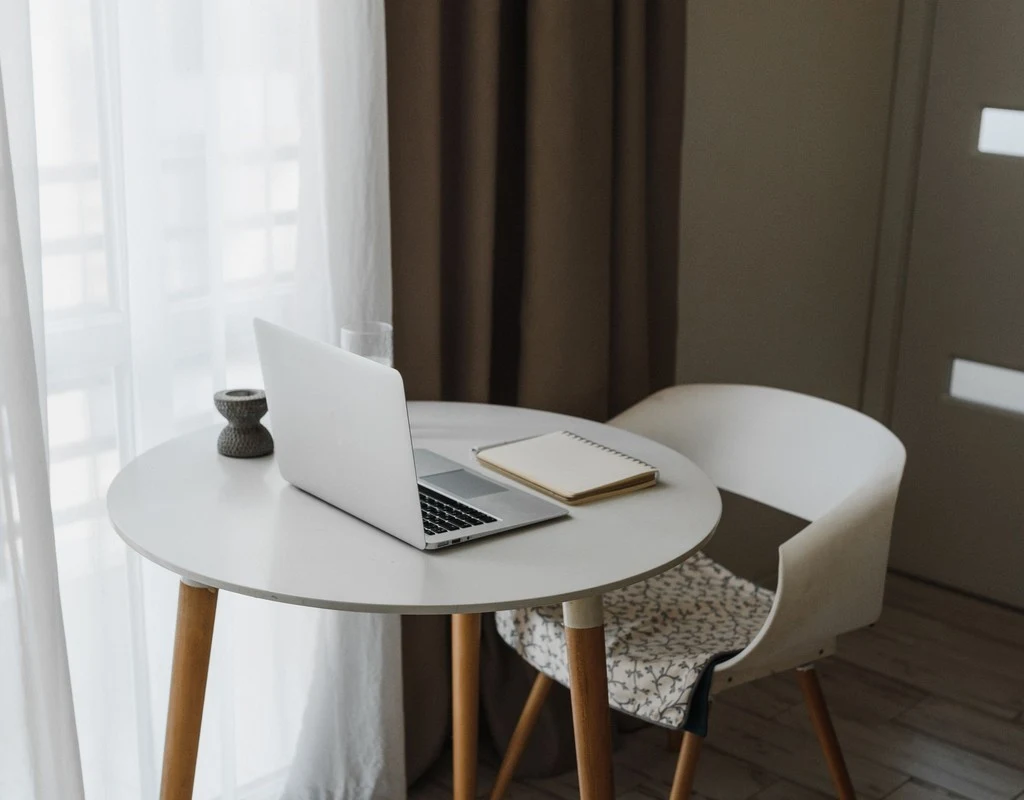
A private workspace can still feel exposed if every conversation and household activity is clearly audible.
For a small home office, the goal should usually be noise reduction rather than complete soundproofing.
You can start by identifying where most interruptions come from.
Is the workspace beside a television? Is it close to a frequently used doorway? Does household activity pass directly behind your chair?
Once you identify the main source, look for a simple way to create some distance or separation.
Soft furnishings can also help reduce some of the harshness and echo within a room. Curtains, rugs, upholstered furniture, and other soft surfaces can affect how sound moves around the space.
However, these solutions should not be treated as complete soundproofing.
If you need genuinely confidential conversations, a separate enclosed room may still be necessary.
Focus on the Biggest Source First
You do not need to change everything at once.
If most interruptions come from one particular direction, start there. A small adjustment that addresses the main problem can be more useful than adding several unnecessary privacy products.
7. Make Your Privacy Setup Easy to Use Every Day
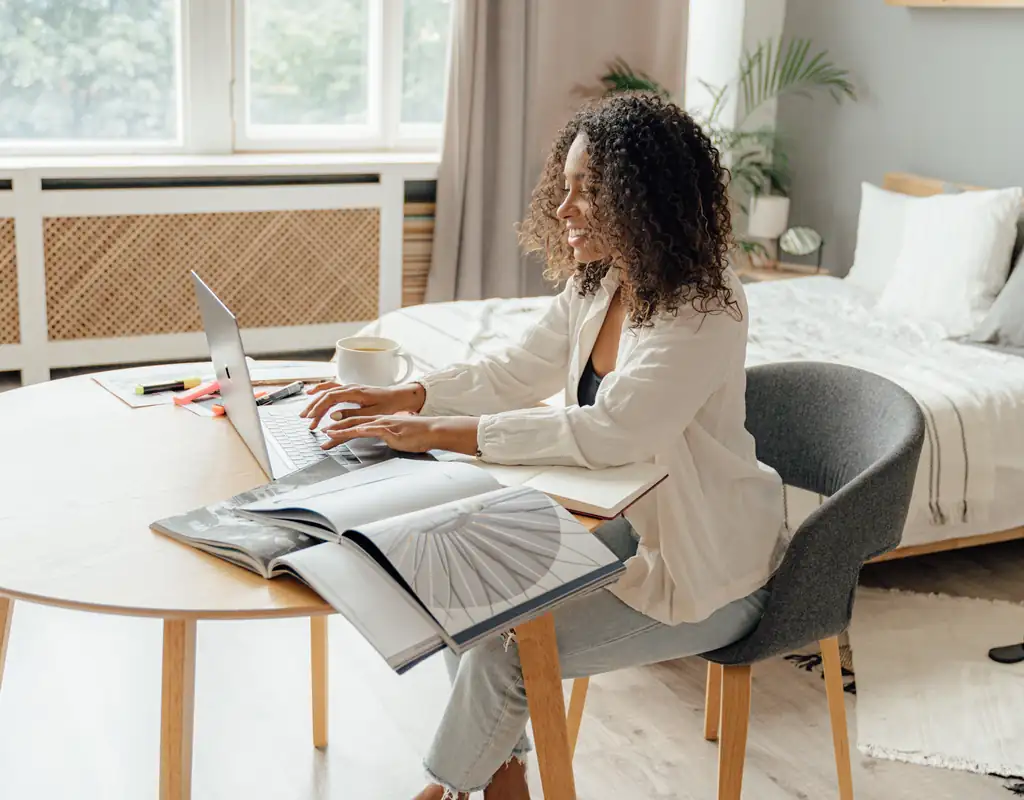
The best privacy solution is one that you will actually use.
If a screen takes several minutes to move every morning, you may eventually stop using it. If a divider blocks the only convenient path through the room, it can become frustrating.
For that reason, choose privacy solutions that fit naturally into your daily routine.
A movable screen should be easy to reposition. A curtain should be simple to open and close. A workspace boundary should not interfere with your normal movement.
You should also think about what happens when the workday ends.
If your home office is part of another room, being able to visually close or reduce the workspace can help the room return to its normal purpose.
Keep the Setup Flexible
Small homes often need flexible spaces.
Your workspace may need to be private during a meeting, open during the rest of the day, and less visually prominent at night. A flexible privacy setup allows you to change the room depending on what you are doing.
That is often more practical than trying to make a small workspace permanently enclosed.
What Is the Best Privacy Solution for a Small Home Office?
There is no single solution that works for every small home office.
If your main problem is being visible to other people, a visual screen or partial room boundary may help.
If people constantly walk behind your desk, changing the desk position may be more effective.
If household activity is distracting you, moving the workspace away from the busiest part of the room can make a bigger difference.
If calls are the main concern, you may need to combine visual separation with reasonable noise reduction.
The best solution is therefore the one that addresses the specific type of privacy problem you experience most often.
How Can I Add Privacy Without Making a Small Room Feel Smaller?
Start with the least bulky solution.
A full-height permanent partition may provide strong separation, but it can also make a compact room feel divided. A movable screen, curtain, partial barrier, or better desk positioning may provide enough separation while keeping the room visually open.
Light and movement are also important.
Avoid blocking windows, doorways, or the main walking path just to create a private corner. The workspace should still feel connected to the rest of the room when privacy is not required.
Should a Small Home Office Be Completely Enclosed?
Not necessarily.
Complete enclosure can be useful when your work requires frequent private conversations or very low levels of distraction. But for many home workers, partial separation is enough.
A small office can feel private without becoming a completely separate room.
The right balance depends on how the space is used, how much household activity surrounds it, and how often you need privacy.
How Do I Create Privacy in a Small Shared Room?
Start by deciding which part of the room can become your work zone without interfering with other activities.
Then consider three things:
- What can other people see from the main walking paths?
- What can you see from your desk that distracts you?
- Where does most household noise come from?
Once these are clear, make one change at a time.
A better desk position may solve the problem by itself. If it does not, add a simple visual boundary or another flexible privacy measure.
This approach is usually better than filling a small room with multiple dividers and furniture pieces.
Small Home Office Privacy Ideas: Quick Checklist
Before changing your workspace, check:
- Is the desk away from the busiest walkway?
- Can people easily see your computer screen?
- Do you have a clear boundary around your work area?
- Is there a simple way to create more visual separation?
- Can your privacy solution be moved when necessary?
- Is the main source of noise coming from a specific direction?
- Does the setup still leave enough room to move comfortably?
- Can you return the room to its normal purpose after work?
If most of these points are covered, your workspace can feel considerably more private without requiring a major renovation.
Final Thoughts
Creating a private home office does not always mean building a separate room.
For a small workspace, thoughtful positioning and simple separation can often be more practical than a permanent enclosure. Start by identifying what makes your current workspace feel exposed, whether that is foot traffic, distracting views, household noise, or a lack of clear separation.
Then make the smallest change that addresses the main problem.
A well-planned privacy setup should protect your concentration without taking away the flexibility that makes a small home office work in the first place.
For more ideas about making a compact workspace practical, you can also explore our Small Home Office guides.