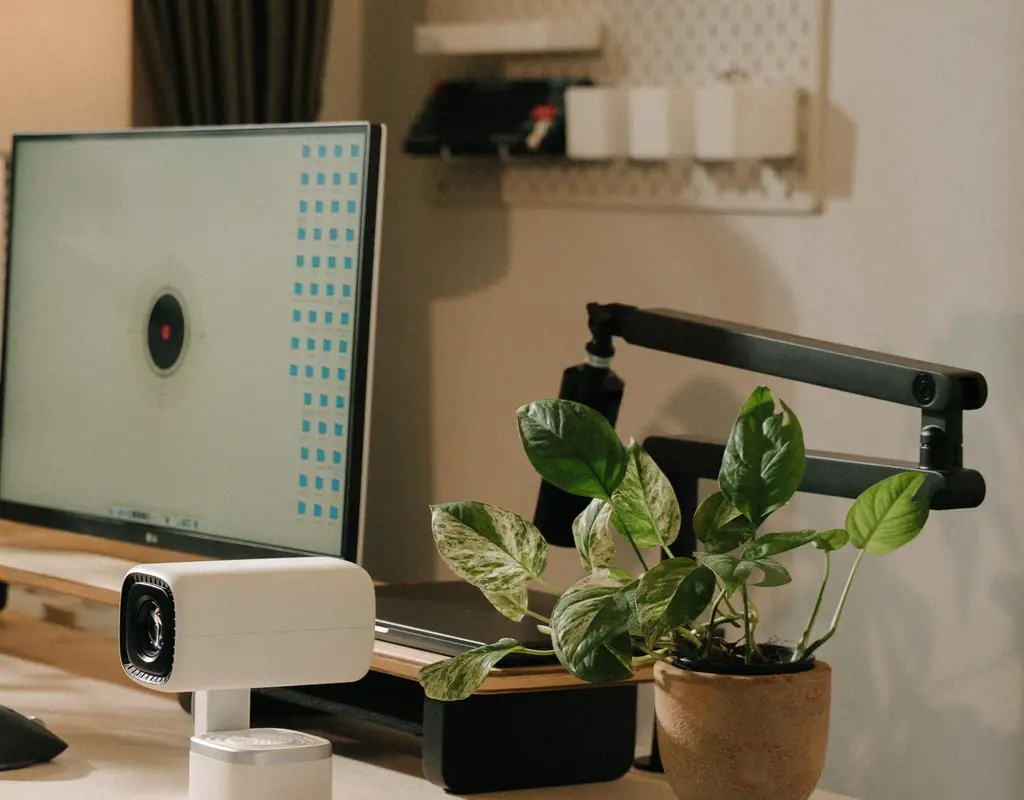
If your video calls look like they’re being filmed from the bottom of a well, the problem probably isn’t your lighting or your internet — it’s the camera itself. Most laptops ship with a webcam that was clearly an afterthought: soft, grainy, and hopeless the moment the room isn’t flooded with daylight. On a small desk where you’re sitting close to the screen and the camera angle is tight, those flaws show up even more.
A dedicated webcam fixes this in a way almost nothing else on your desk can. It’s a small purchase that has an outsized effect on how professional you look and sound on every call, every day. A dedicated home office webcam can make a noticeable difference for home office video calls, especially on a small desk.
Best webcams for home office setups can make video calls clearer and more professional without taking up much desk space.
Affiliate Disclosure: Some links in this guide are affiliate links. If you buy through them, we may earn a commission at no extra cost to you.
Why the Built-In Camera Falls Short
Laptop webcams are squeezed into a thin bezel above the screen, which limits the lens and sensor size the manufacturer can use. That’s fine for a quick video chat, but it struggles the moment the lighting isn’t perfect or you need to angle the screen a certain way to fit a small desk into a corner or against a wall.
There’s also the framing problem. On a cramped desk, you’re often sitting closer to your screen than you would in a bigger office, so the built-in camera ends up pointed slightly up or down at an unflattering angle instead of straight at your face.
What Actually Matters When Choosing One
Resolution and sharpness. 1080p is the realistic sweet spot for most people — it looks clean on a call without needing a fast connection to keep up. 4K webcams exist, but unless you’re recording video content for other purposes, the difference on a Zoom or Teams call is minor. For most webcams for video calls, 1080p offers a good balance of image quality and performance.
Field of view. A wider field of view is great for a shared space with two people, but on a small desk where it’s just you close to the camera, a narrower field of view often looks better — it avoids the “fisheye” distortion that happens when a wide lens is too close to your face.
Low-light performance. This matters more than resolution for most home offices. Look for a sensor that handles dim rooms well, since not everyone has a window seat or the desk lamp on during every call. A low-light webcam can help maintain better image quality when your home office lighting is limited.
Autofocus and exposure. A webcam that can automatically adjust when you lean forward or when someone walks past a window behind you saves you from constantly fiddling with settings mid-call.
Mounting. On a small desk, mounting matters more than people expect. A webcam with a flexible clip that works on both a laptop lid and a slim external monitor gives you more flexibility if you ever add a monitor arm or a stand later. It can also help you avoid using extra desk space for a separate camera stand. A webcam for small desk setups should be easy to mount without taking up valuable workspace.
Microphone quality. Many webcams include a built-in mic, and it’s often good enough to skip buying a separate one — worth checking before you assume you need extra A webcam with a physical privacy shutter designed for secure and convenient home office video calls, allowing the camera lens to be covered when not in use.gear.
Matching a Webcam to Your Setup
If you’re on a laptop with the lid as your only screen, prioritize a webcam with a strong clip and a narrower field of view, since you’ll likely be sitting close.
If you’ve added an external monitor, look for a webcam designed to mount on a thin display bezel, and consider one with a wider field of view if the monitor sits further back on the desk.
If your desk doubles as a shared or streaming setup, features like framing that follows you as you move, or a physical privacy shutter, become genuinely useful rather than just nice extras.
A small desk webcam is especially useful when your workspace has limited room around the monitor.
If you’re also trying to keep the rest of your workspace organized, our guide to Best Cable Management Solutions for Small Desks covers some simple ways to keep cables from taking over a compact desk.
The best webcams for home office setups should also be easy to position when desk space is limited.
Three Webcam Options Worth Considering
You don’t need the most expensive webcam for a small home office. Instead, match the features to the way you actually use your desk. These best webcams for home office setups focus on practical features rather than unnecessary extras.
Best Overall: 1080p Compact Webcam
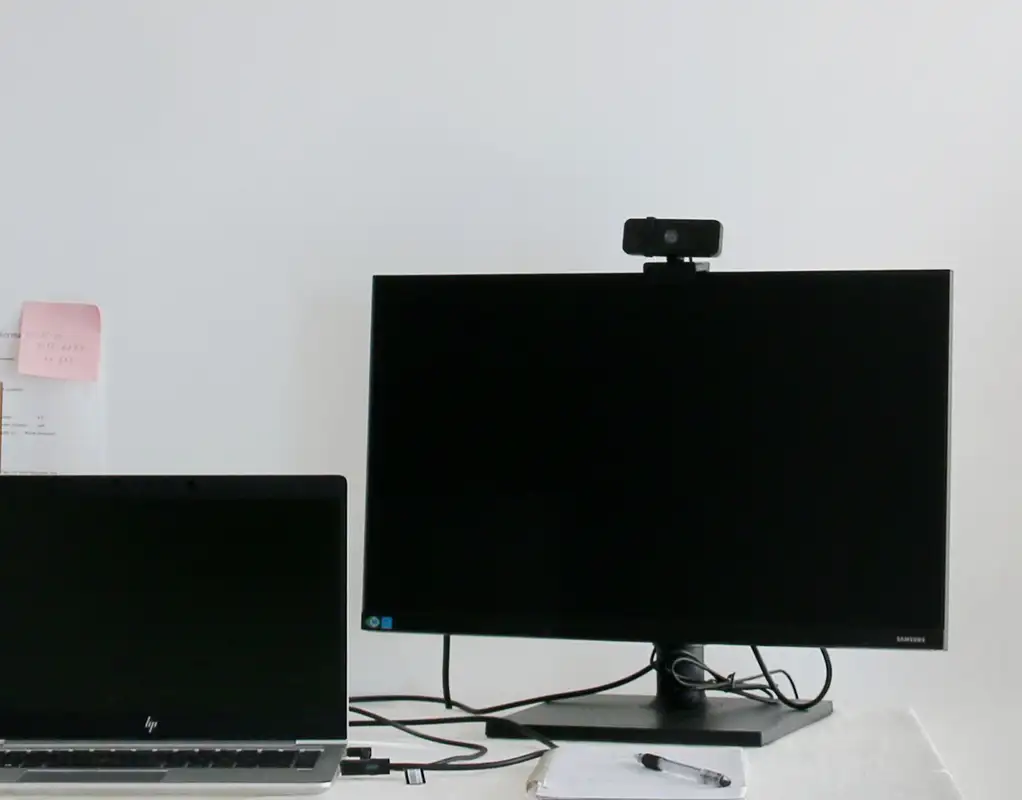
A compact 1080p webcam is a practical starting point for most home office users. Look for a model with decent low-light performance, autofocus, a built-in microphone, and a clip that can attach securely to a monitor or laptop.
For a small desk, the main advantage is keeping the camera footprint minimal while still getting a noticeable improvement over a built-in laptop camera. A compact webcam is a practical choice for remote work and everyday video calls.
Best for Privacy: Webcam With Privacy Shutter
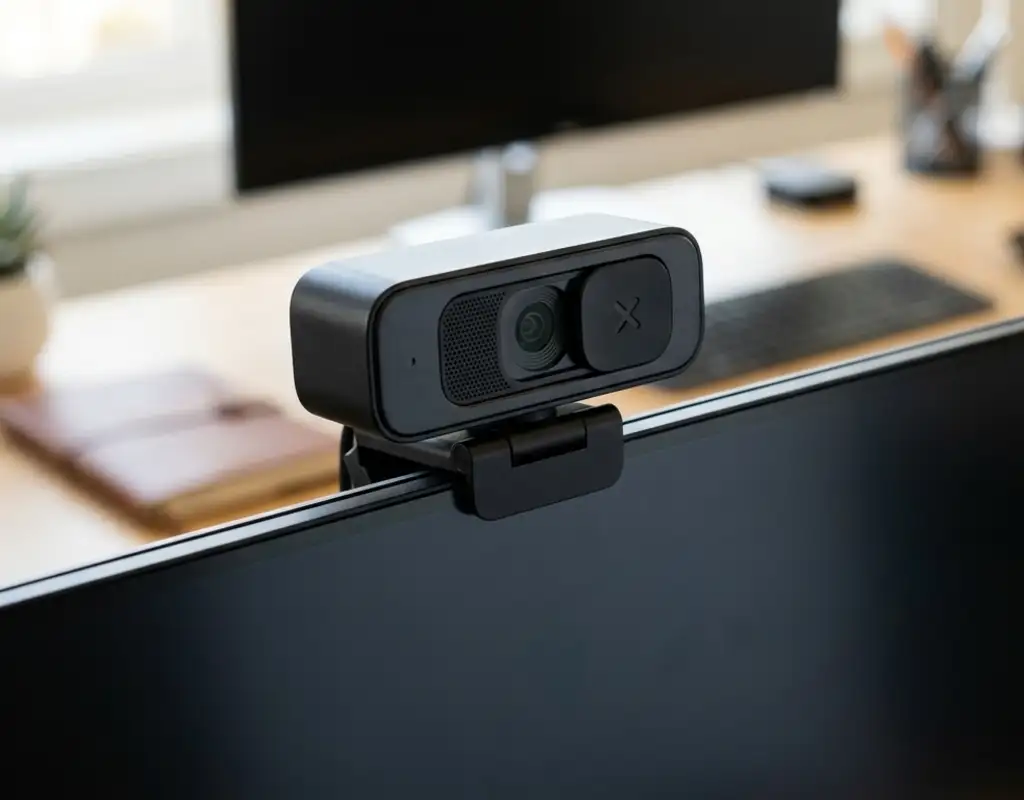
If your webcam stays connected to your computer most of the day, a physical privacy shutter can be useful. It gives you a simple way to block the lens when you’re not on a call without having to unplug the camera. A webcam with privacy shutter is useful for people who want simple physical privacy between calls.
This is especially convenient for a compact workspace where you may not have much storage space for accessories or want to keep your setup as simple as possible.
Best for Low Light: Webcam With Built-In Light
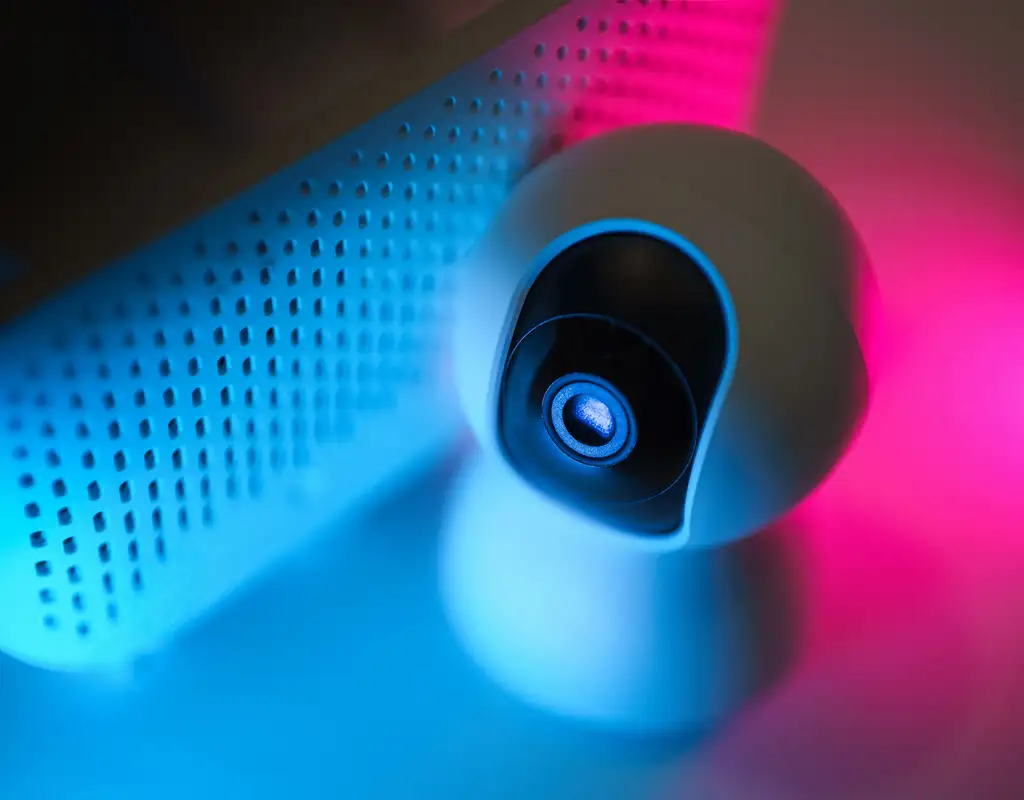
If your desk is positioned away from a window or your room gets noticeably darker in the afternoon or evening, a webcam with a built-in light can be worth considering. A webcam with built-in light can provide extra illumination for home office video calls when your room lighting is limited.
It won’t replace good room lighting, but it can provide some extra illumination when you need to join a call without rearranging your entire workspace.
A Simple Way to Decide
Think about the three things that actually change your experience on a call: how you look, how you sound, and how easy the camera is to set up on your specific desk. A webcam that nails two of those three is usually a better buy than one that promises the highest resolution number and falls short everywhere else.
If you’re not sure where to start, a well-reviewed 1080p webcam with solid low-light handling and a built-in mic covers most home office needs without over-spending on features you won’t use. For most people, a 1080p webcam is a practical choice for everyday home office video calls.
For more ideas on making a compact workspace work better, see our Small Home Office Layout Ideas guide, especially if you’re deciding where your monitor and webcam should sit.
When choosing the best webcams for home office use, focus on image quality, mounting, and lighting rather than extra features.
What to Check Before Buying
Before ordering, measure the space around your monitor or laptop screen. On a small desk, even a compact webcam can become awkward if the clip doesn’t fit properly or the camera sits too far forward.
Also check:
- Monitor or laptop bezel thickness
- Available space above the screen
- USB port availability
- Camera field of view
- Whether you need a privacy shutter
- Whether the built-in microphone is good enough for your calls
If your desk already has a monitor stand, laptop stand, or other accessories, make sure the webcam mounting position still gives you a clear view of your face.
If you’re building a complete small workspace, our Work-From-Home Tech Essentials guide can also help you think about which other tech is actually worth the space on your desk.
The Bottom Line
Your desk doesn’t need to be big for your video calls to look good — it just needs a camera that’s actually built for the job. Swapping out a built-in webcam for a dedicated one is one of the fastest upgrades you can make to how you show up on screen, and it takes up almost no extra space on a small desk.
For most people, a compact 1080p webcam is enough. If privacy is a bigger concern, choose one with a physical shutter. If your workspace has inconsistent lighting, a built-in light may be worth the extra cost.
The best webcam for video calls is usually one that provides reliable image quality, works well in your lighting, and fits comfortably on your desk. A good webcam for remote work should also be easy to mount and simple to use every day.
The best choice isn’t necessarily the webcam with the most features. It’s the one that fits your desk, your lighting, and the way you actually use your home office.
For most small workspaces, the best webcams for home office use are compact, easy to mount, and reliable for everyday calls.