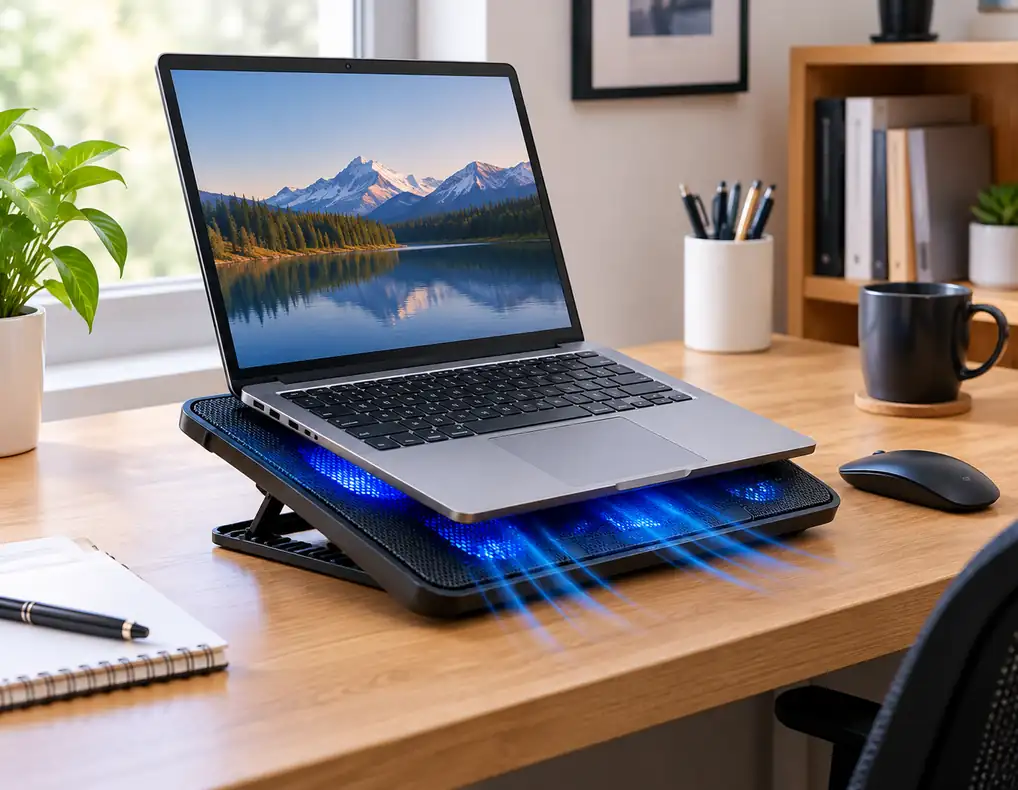
A laptop can become noticeably warmer during long work sessions, especially when several applications are running at the same time. In a small home office, however, adding another accessory to the desk can create a second problem: less usable space.
The best laptop cooling pads for small home offices should therefore do more than move air. They should fit the laptop properly, avoid taking up unnecessary desk space, and work comfortably with the rest of your setup. A large cooling pad with multiple fans may look impressive, but it is not automatically the right choice for a compact workspace.
A cooling pad sits beneath the laptop and usually uses one or more fans to move air around the underside of the machine. Some models also raise the laptop from the desk, which can create more space underneath and change the working angle. How much difference a cooling pad makes depends on the laptop’s cooling design, vent placement, room conditions, and workload.
This guide compares five practical laptop cooling pad categories so you can choose based on your desk, laptop, and daily workload rather than simply counting fans.
Affiliate Disclosure: Some links on Buy Facto may be affiliate links. If you purchase through one of these links, we may earn a commission at no additional cost to you.
Quick Comparison
| Cooling Pad Category | Main Advantage | Desk Footprint | Best For |
|---|---|---|---|
| Slim Cooling Pad | Minimal bulk | Small | Everyday work |
| Adjustable Cooling Pad | Flexible angle and airflow | Small to medium | Long work sessions |
| Quiet Cooling Pad | Lower fan noise | Small | Calls and shared rooms |
| High-Airflow Cooling Pad | Stronger active airflow | Medium to large | Demanding workloads |
| Foldable Cooling Pad | Easy storage | Small when folded | Multi-use desks |
For a compact setup, the best laptop cooling pads for small home offices are not necessarily the largest ones. The better choice is the pad that gives your laptop useful airflow while leaving enough room for your mouse, charger, notebook, and other daily essentials.
1. Slim Cooling Pad
Recommended Specifications
- Design: Thin, low-profile construction
- Laptop Support: Match the laptop’s width and weight
- Fans: One or more compact fans
- Fan Control: Basic speed adjustment preferred
- Height: Low or fixed-angle lift
- Surface: Ventilated or mesh platform
- Power: USB connection
- Extra Port: Optional USB pass-through
- Base: Non-slip feet
- Cable Position: Side or rear routing preferred
Why It Stands Out
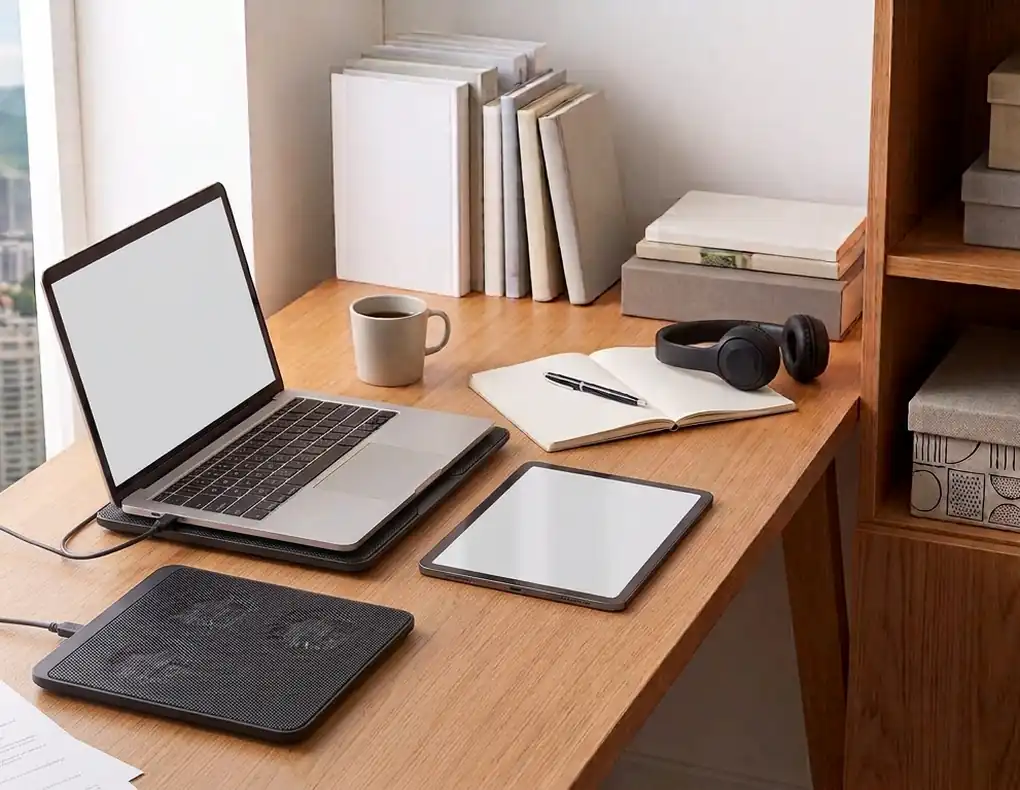
A slim cooling pad is designed for people who want airflow without turning the desk into a hardware platform.
Its compact shape can sit beneath the laptop while leaving more open space around the keyboard, mouse, and other accessories. That makes it a particularly practical option when the laptop already takes up much of the available desk surface.
This category is best suited to ordinary workloads such as browsing, documents, email, spreadsheets, and video meetings. If the laptop spends most of the day handling lighter tasks, there may be little reason to choose a large performance-oriented pad.
Before buying, check the pad’s dimensions and make sure the fan area works with the laptop’s underside vents. Fan count by itself does not tell you how effectively the airflow will reach the machine.
Best For
- Small desks
- Everyday office work
- Browsing and documents
- Video calls
- Minimal workstations
What Makes It Worth Considering?
The attraction is straightforward: airflow without much extra bulk.
If you also want to raise the laptop screen while keeping your desk organized, see Best Laptop Stands for Small Desks.
2. Adjustable Cooling Pad
Recommended Specifications
- Design: Adjustable platform
- Laptop Support: Suitable for your laptop’s size and weight
- Fans: One or more active cooling fans
- Fan Control: Multiple speed settings preferred
- Height: Several angle positions
- Surface: Ventilated platform
- Power: USB
- Base: Stable, non-slip support
- Front Edge: Raised retaining lip
- Cable: Side or rear routing
Why It Stands Out
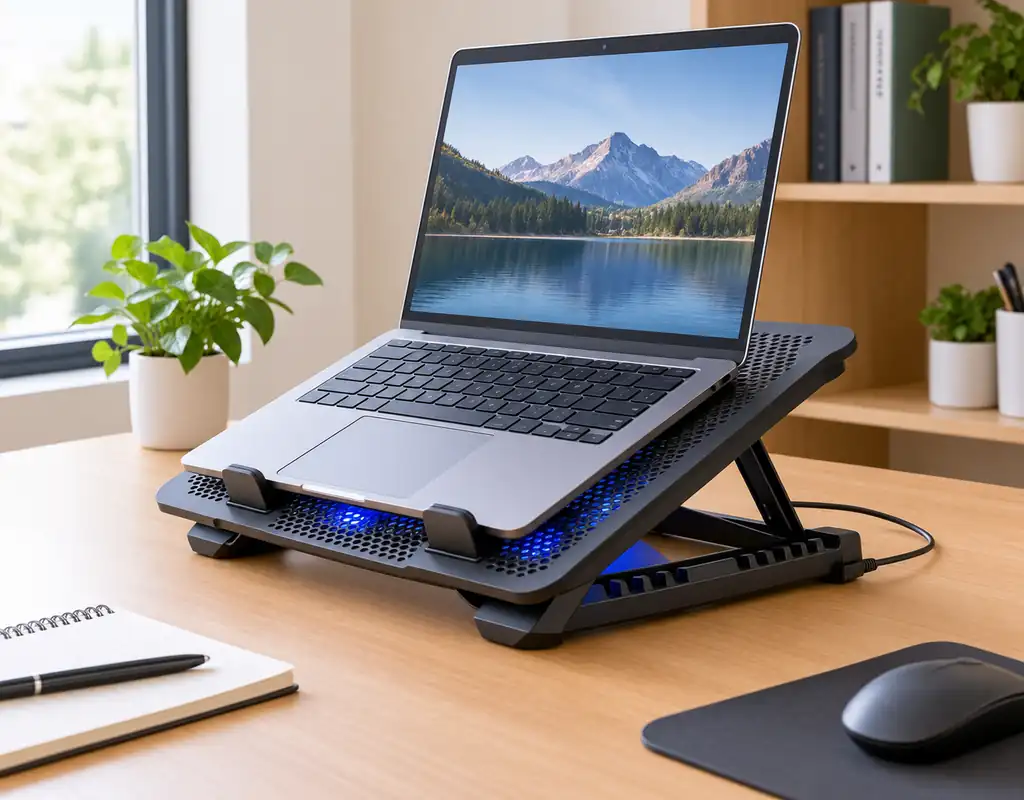
An adjustable cooling pad combines active airflow with a change in laptop position.
That can be useful when your laptop sits very flat on the desk and you would also like more control over its working angle. The right angle depends on the user, so several adjustment levels can be more useful than a single fixed tilt.
Stability matters here. A pad that moves while you type can become more annoying than helpful, especially at higher settings. Also check whether the fan positions remain suitable for the laptop’s intake vents as the platform angle changes.
An adjustable design can be especially useful for people who spend several hours at the desk and want more flexibility from one accessory.
Best For
- Long work sessions
- Adjustable setups
- Small and medium desks
- Users who want variable laptop angles
- Multi-purpose workstations
What Makes It Worth Considering?
You get cooling and position flexibility from one accessory, which can help reduce the number of items competing for space on the desk.
3. Quiet Cooling Pad
Recommended Specifications
- Design: Compact, low-noise construction
- Laptop Support: Match the laptop size
- Fans: Quiet-running fan design
- Fan Control: Adjustable speed preferred
- Height: Low to moderate lift
- Surface: Ventilated platform
- Power: USB
- Noise Rating: Check the manufacturer’s stated figure where available
- Base: Anti-slip feet
- Cable: Short, manageable USB cable
Why It Stands Out
A fan that sounds acceptable in a busy office can become distracting in a bedroom or shared room.
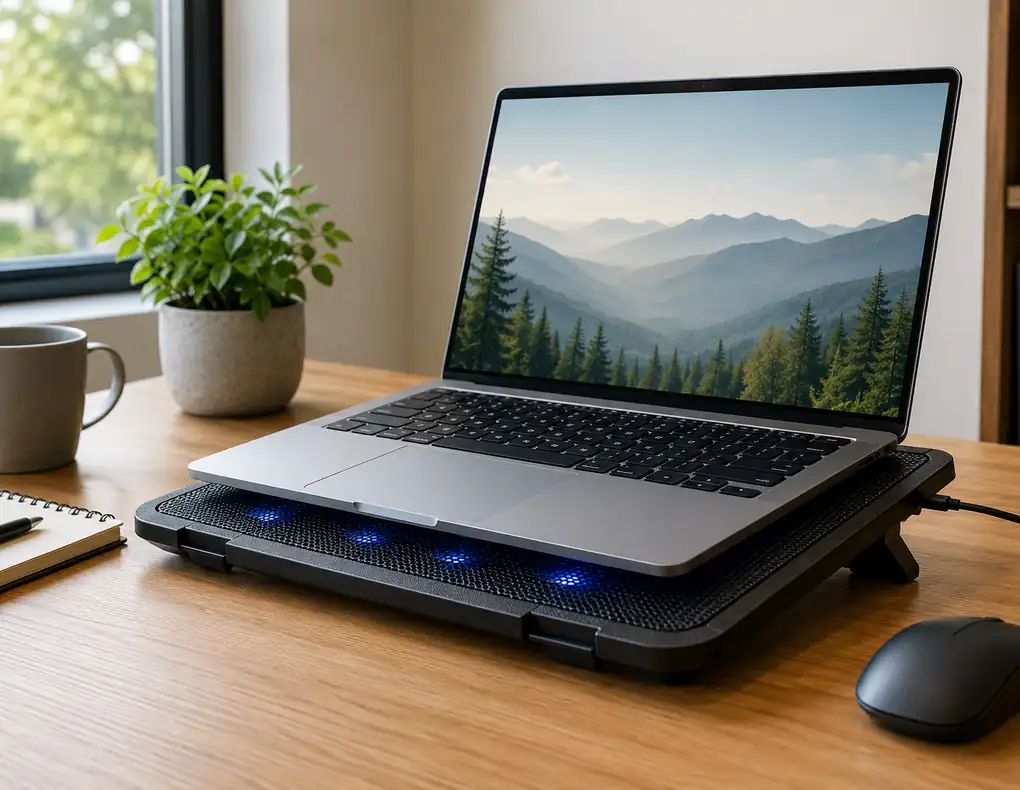
A quiet cooling pad focuses on keeping fan noise under control while still providing active airflow. This can be particularly useful during video meetings, voice recording, focused writing, or any other work where background noise becomes noticeable.
Fan-speed control is an important feature because you may not need maximum airflow all the time. Being able to reduce the fan speed during lighter work gives you more control over the balance between airflow and sound.
Noise ratings can provide a useful comparison point, but real-world sound can vary with fan speed, the desk surface, and the surrounding room.
Best For
- Video meetings
- Shared rooms
- Recording
- Quiet bedrooms
- Focused office work
What Makes It Worth Considering?
This category makes sense when quiet operation is almost as important as cooling.
4. High-Airflow Cooling Pad
Recommended Specifications
- Design: Larger ventilated platform
- Laptop Support: Medium or larger laptop sizes
- Fans: Multiple or larger fans
- Fan Control: Several speed settings preferred
- Height: Adjustable or raised platform
- Surface: Open mesh or ventilated design
- Power: USB
- Base: Wide and stable
- Feet: Strong non-slip grip
- Cleaning: Accessible fan and ventilation areas
Why It Stands Out
Some people use their home-office laptop for work that places considerably more demand on the system.
Video editing, programming, creative applications, large projects, and heavy multitasking can push the laptop harder than normal email and document work.
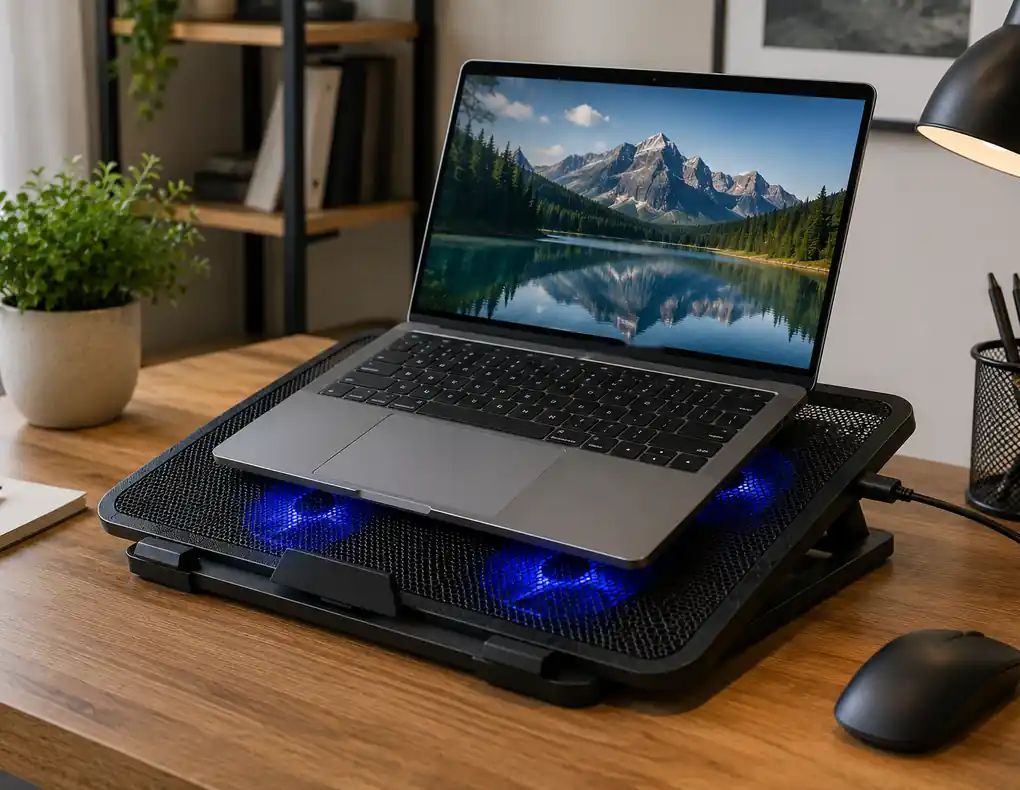
A high-airflow cooling pad is designed for that type of situation. Larger fans or multiple fans can move more air, although the actual benefit still depends on how the laptop itself draws air through its vents.
The trade-off is size.
A larger cooling platform can take valuable desk depth and may produce more audible fan noise. That means this category is best considered when the workload actually justifies the extra footprint.
Best For
- Heavy multitasking
- Video editing
- Programming
- Content creation
- Large projects
- Higher-performance laptops
What Makes It Worth Considering?
This is the category for users who are willing to give up some desk space in exchange for stronger active airflow.
5. Foldable Cooling Pad
Recommended Specifications
- Design: Folding or collapsible structure
- Laptop Support: Match the laptop’s dimensions and weight
- Fans: Compact active fans
- Fan Control: Adjustable speed preferred
- Height: Foldable angle adjustment
- Surface: Ventilated platform
- Power: USB
- Folded Size: Compact enough for easy storage
- Base: Stable when fully opened
- Feet: Non-slip contact points
Why It Stands Out
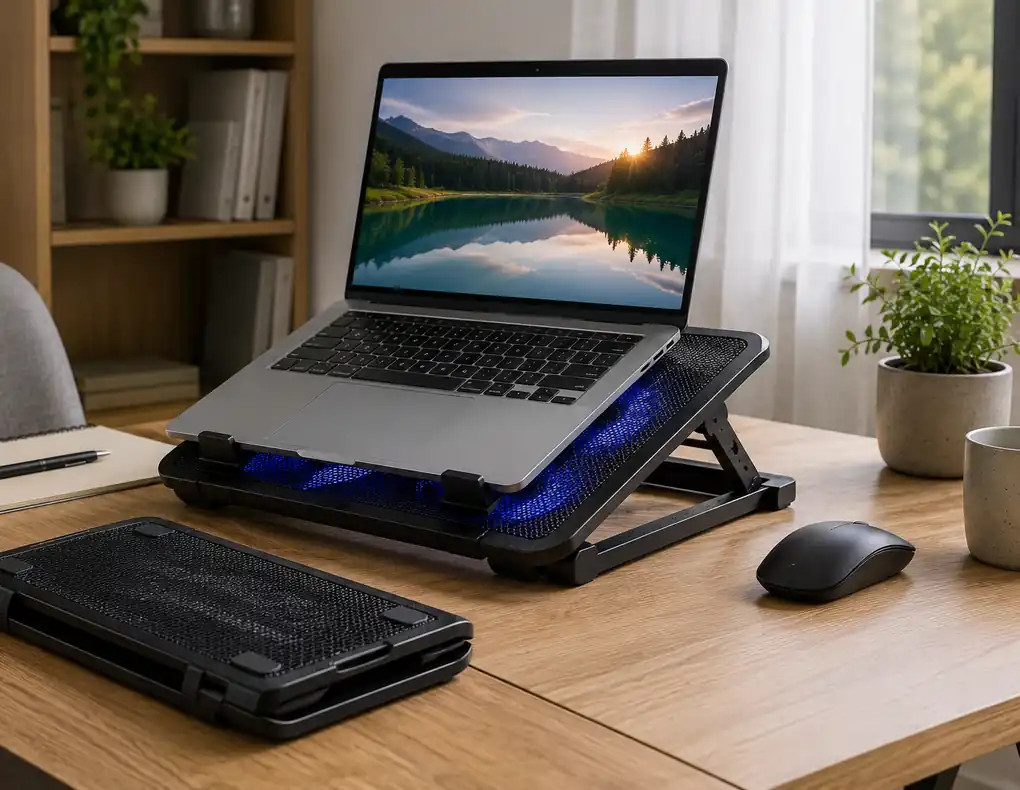
A foldable cooling pad solves a different space problem: where to store it when you are finished working.
If your desk also serves as a dining table, study area, hobby surface, or shared workspace, leaving a cooling pad in place all day may not be practical.
A folding design lets you collapse the accessory and move it into a drawer, shelf, or bag. This can make it easier to keep the desk clear when the laptop is not being used.
Pay attention to the folding mechanism, though. A compact folded shape is useful only when the pad becomes stable and secure after it is opened.
Best For
- Multi-use desks
- Shared rooms
- Small apartments
- Portable setups
- Users who store accessories after work
What Makes It Worth Considering?
Its biggest advantage is getting the desk space back when the cooling pad is not needed.
What Should You Look for in a Small-Desk Cooling Pad?
When comparing the best laptop cooling pads for small home offices, start with the space available on your desk rather than the number of fans.
Size
Measure the laptop and the available desk depth. A cooling pad should not extend far beyond the laptop unless there is a practical reason for the extra size.
Fan Position
Look at the location of the laptop’s underside vents. A cooling pad works more sensibly when its airflow is directed toward areas where the laptop takes in air.
Noise
For shared rooms and call-heavy workdays, fan noise deserves as much attention as airflow.
Height
A raised platform can change the laptop’s working angle. Make sure the selected height remains stable and practical for typing.
Power Connection
Check whether the cooling pad uses USB-A, USB-C, or another connection. Also see whether any pass-through USB port is included.
If your laptop already needs several accessories, a compact hub may help simplify the connection setup. See our guide to Best USB Hubs for Small Home Offices.
Stability
Non-slip feet and a secure front edge matter more as the laptop is raised higher.
Cleaning
Fans and vents can collect dust over time. A design that is easy to clean can be more convenient for regular use.
Does a Cooling Pad Always Lower Temperatures?
No.
A cooling pad can improve airflow beneath a laptop, but the result varies from one setup to another. Laptop cooling design, vent placement, workload, room temperature, fan speed, and the cooling pad itself all affect the outcome.
A cooling pad should therefore be viewed as support for the laptop’s existing cooling system, not as a guaranteed solution for overheating.
If a laptop is becoming unusually hot, shutting down unexpectedly, or behaving differently from normal, the underlying problem should be checked rather than relying only on an external cooling accessory.
Cooling Pad vs Laptop Stand
A laptop stand and a cooling pad can look similar, but they are designed around different priorities.
A laptop stand primarily raises and positions the computer.
A powered cooling pad adds active airflow and often raises the laptop at the same time.
Some adjustable cooling pads can therefore overlap with the function of a stand. If heat is not a concern and your main goal is simply to raise the screen, a laptop stand may be the simpler accessory.
See Best Laptop Stands for Small Desks for more ideas.
How to Fit a Cooling Pad Into a Small Desk
The best laptop cooling pads for small home offices should fit into the workspace without forcing everything else out of the way.
Before buying, measure:
- Laptop width
- Laptop depth
- Available desk depth
- Mouse area
- Charger and cable space
Try to route the cooling-pad cable toward the back or side of the desk instead of across the front.
Also avoid using the laptop on soft surfaces such as beds, blankets, or cushions. A hard, stable surface is generally more suitable for maintaining airflow around laptop vents.
For more ideas on keeping a compact workstation clear, read Small Home Office Desk Organization Ideas.
Common Cooling Pad Buying Mistakes
Choosing by Fan Count Alone
More fans do not automatically mean better results. Airflow placement and the laptop’s own vent design also matter.
Buying a Pad That Is Too Large
A large platform can consume valuable desk space without providing a useful benefit for your particular laptop.
Ignoring Noise
A cooling pad that becomes distracting during every call can quickly end up unused.
Forgetting the Laptop Vents
Check where your laptop actually draws air before deciding which cooling-pad design makes sense.
Expecting Guaranteed Cooling Results
Performance varies between laptops, workloads, room conditions, and cooling-pad designs.
Ignoring Cable Placement
A badly positioned USB cable can create desk clutter and reduce the practical benefit of a compact accessory.
Which Cooling Pad Category Fits Your Setup?
The best laptop cooling pads for small home offices depend on what your laptop does every day.
A slim cooling pad is a sensible choice when desk space matters most and your workload is mostly ordinary office work.
An adjustable cooling pad can be useful when you want active airflow plus more control over the laptop’s position.
A quiet cooling pad makes sense when calls, recording, or shared-room use make fan noise important.
A high-airflow cooling pad is better suited to demanding workloads where additional airflow may be more useful.
A foldable cooling pad is a practical choice when the desk has to return to another purpose after work.
Final Thoughts
The best laptop cooling pads for small home offices are not defined by the number of fans, the size of the platform, or the most impressive-looking specification on the box.
The better choice is the one that fits your laptop, your desk, your workload, and your daily routine.
A slim model can keep an everyday workstation simple. An adjustable design can provide more flexibility. A quiet model can suit shared or call-heavy spaces. A high-airflow pad may be worth the extra footprint for demanding work, while a foldable option can make sense when desk space needs to be reclaimed after working hours.
Before buying, check the laptop’s dimensions, locate its ventilation areas, consider how much desk space you can spare, and decide how important fan noise is for your working environment.
A cooling pad should solve a practical problem without creating another one.
For more laptop and workspace ideas, explore Best Laptops for Small Home Offices and the Work-From-Home Tech section on Buy Facto.