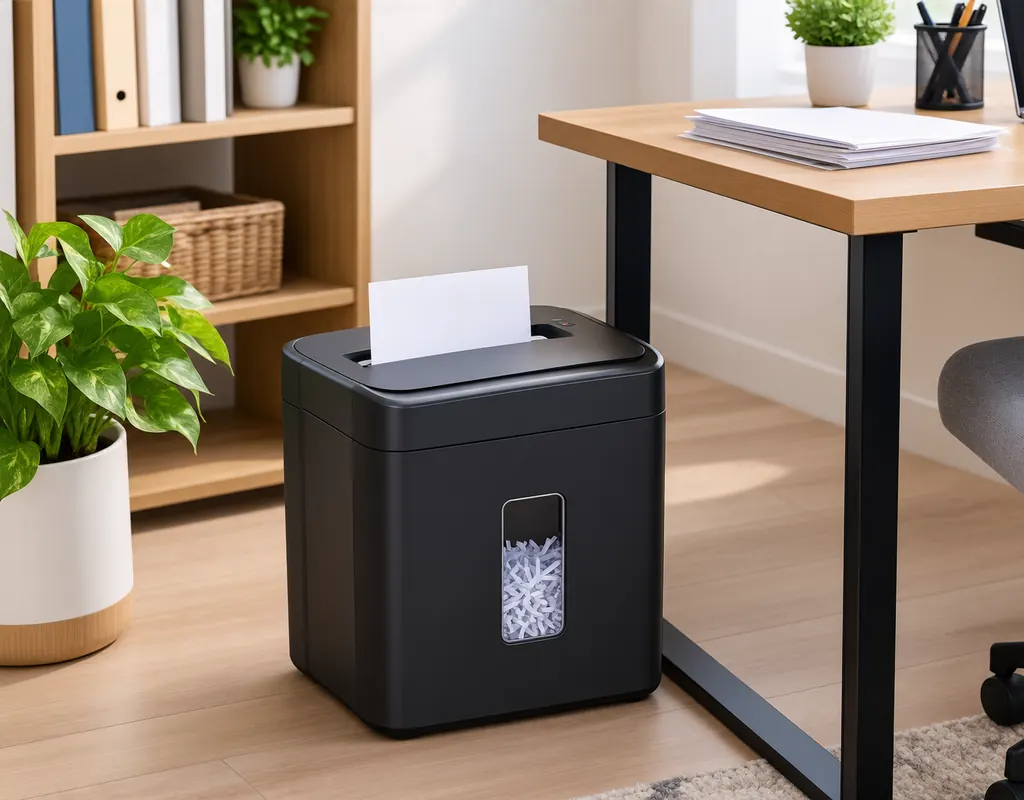
A small home office can collect more paperwork than you expect.
Bills, receipts, printed forms, old notes, shipping labels, drafts, and documents containing personal information can quickly build up. When storage and floor space are limited, adding a large office shredder can create another space problem.
A compact paper shredder can make document disposal more convenient without requiring a large permanent footprint.
The important part is choosing a machine that matches your actual workload. Someone shredding a few sensitive documents each week has different needs from someone processing a large stack every Friday.
The best compact paper shredders for small home offices should therefore be judged by the type of cut, paper capacity, operating time, bin size, noise, physical dimensions, and the materials the machine can safely handle.
This guide compares five practical compact shredder formats and explains what to look for before buying.
Affiliate Disclosure: Some links on Buy Facto may be affiliate links. If you purchase through one of these links, we may earn a commission at no additional cost to you.
Amazon Associates Disclosure: As an Amazon Associate I earn from qualifying purchases.
The product categories below are not based on our own laboratory testing. They are intended to help you compare features and specifications when shopping.
5 Compact Paper Shredder Types to Consider
Different compact shredders suit different workloads and room arrangements.
| Paper Shredder Type | Useful For | Main Consideration |
|---|---|---|
| Compact cross-cut shredder | Everyday sensitive paperwork | Smaller pieces usually mean slower processing |
| Slim desktop shredder | Very limited floor space | Lower capacity on many models |
| Pull-out-bin shredder | Easier emptying | Needs room to remove the bin |
| Compact quiet shredder | Shared rooms | May cost more |
| Portable personal shredder | Occasional small batches | Limited workload |
The right option depends on your actual use.
How much paper do you normally shred?
How sensitive is the paperwork you want to destroy?
Answer those first, then compare the machine’s size, cut type, capacity, and features.
1. Compact Cross-Cut Paper Shredder
[Check Price — Compact Cross-Cut Paper Shredder]
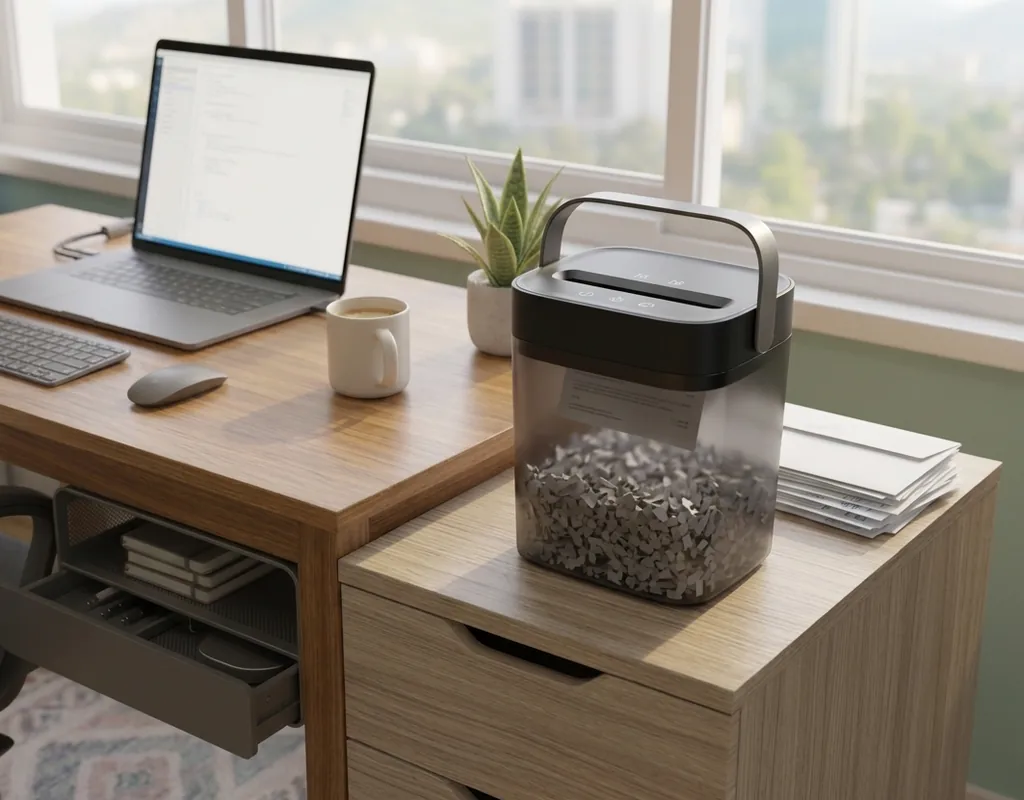
A compact cross-cut shredder is a practical option for many home offices because it cuts documents into smaller pieces instead of producing long strips.
That makes it useful when you want more separation between the original sheet and the final waste.
It can be suitable for paperwork such as:
- Bills
- Receipts
- Address labels
- Personal correspondence
- Financial paperwork
- Printed account information
- Old forms
The exact security level depends on the shred size and the standard used by the manufacturer, so check the product specifications when document sensitivity is important.
What to Compare
Look at:
- Cut type
- Shred size
- Sheets per pass
- Run time
- Cooling period
- Bin capacity
- Paper-entry width
- Reverse function
- Supported materials
Do not assume that every cross-cut shredder provides the same level of document protection.
A smaller cut can be useful for sensitive paperwork, but it may also mean slower processing or a smaller paper capacity depending on the design.
Where It Fits
A compact cross-cut model can work well when you want one everyday shredder rather than a machine designed for heavy office use.
For occasional home-office paperwork, you may not need a large bin or an extremely long duty cycle.
2. Slim Desktop Paper Shredder
[Check Price — Slim Desktop Paper Shredder]
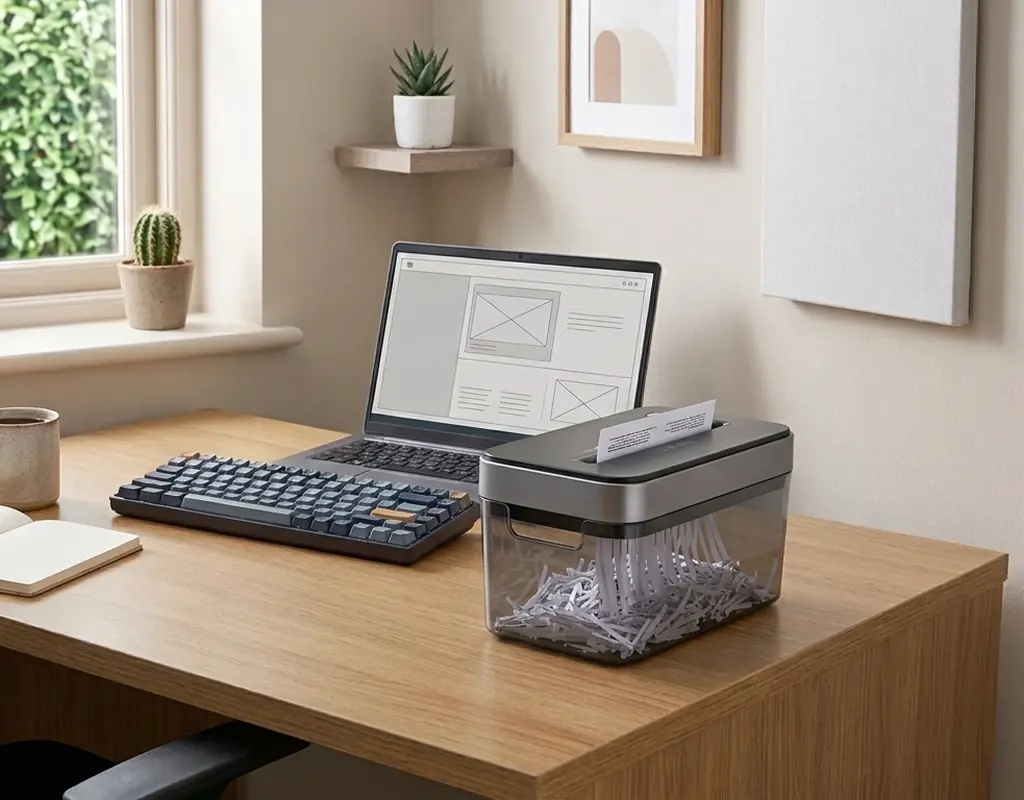
A slim desktop shredder is aimed at a different problem: lack of space.
Instead of using a conventional floor-standing form, a small desktop unit can fit into a more limited working area.
This can be useful when you regularly receive a small amount of sensitive paperwork and want the shredder nearby rather than stored in another room.
When a Desktop Model Makes Sense
A slim model may suit:
- Small apartments
- Compact work areas
- Occasional shredding
- Personal paperwork
- Short shredding sessions
The convenience is its main attraction.
You can deal with a document when it is no longer needed instead of creating a pile that has to be shredded later.
Measure the Actual Machine
Before buying, check:
- Width
- Depth
- Height
- Paper-entry position
- Bin access
- Power-cable location
Do not look only at the machine’s width.
The lid, paper slot, and collection area also need enough room for normal use.
The Trade-Off
Very small shredders generally suit lighter workloads.
If you regularly accumulate a large amount of paper, stopping repeatedly to empty the bin or allow the motor to cool can become frustrating.
3. Compact Pull-Out-Bin Paper Shredder
[Check Price — Compact Pull-Out-Bin Paper Shredder]
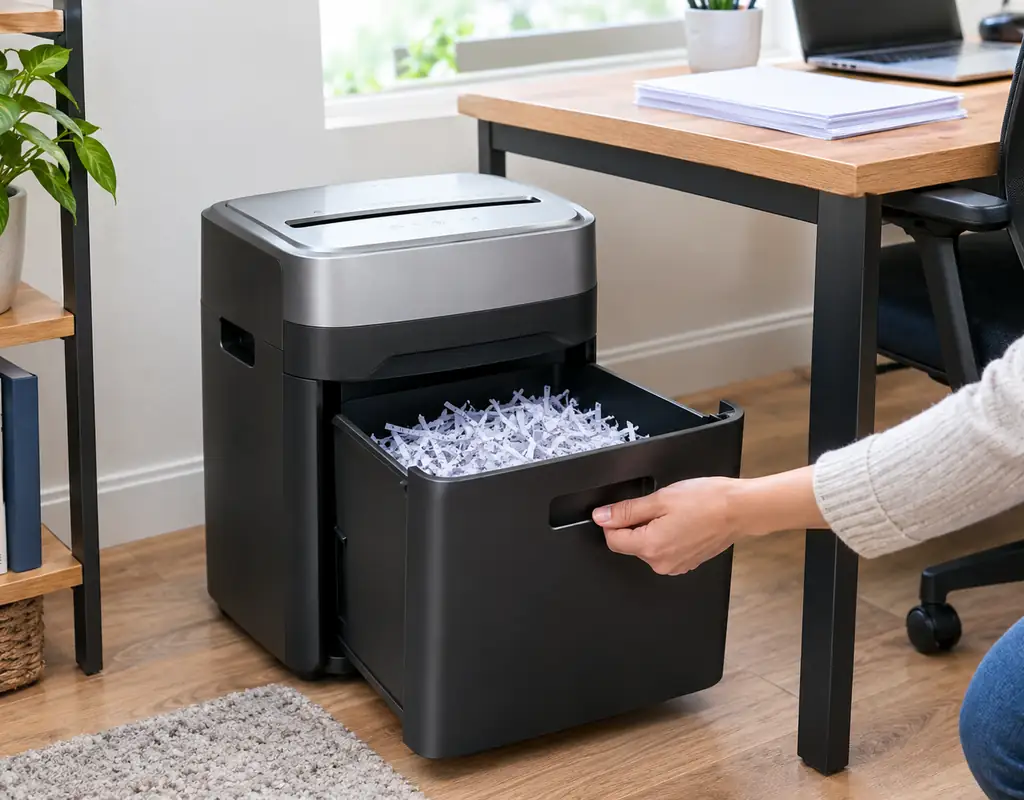
A pull-out-bin shredder is worth considering when emptying the machine easily matters to you.
Instead of lifting the shredder head or removing a separate container, the collection bin can slide out for emptying.
That can make routine use more convenient, especially when the shredder is used regularly.
Why the Bin Design Matters
A compact machine still needs somewhere to collect shredded paper.
A very small bin may need frequent emptying, while a larger bin takes up more space.
A pull-out design gives you another thing to think about: clearance.
You need enough room in front of the machine to remove the bin without moving the entire unit.
Check Your Space
A practical location could be:
- Beside a desk
- Near a filing cabinet
- In an office corner
- Under suitable furniture
Before buying, measure the complete operating area, not just the machine itself.
The Trade-Off
Convenient emptying can require more surrounding space.
A shredder that fits perfectly into a narrow gap may become awkward if the bin cannot slide out fully.
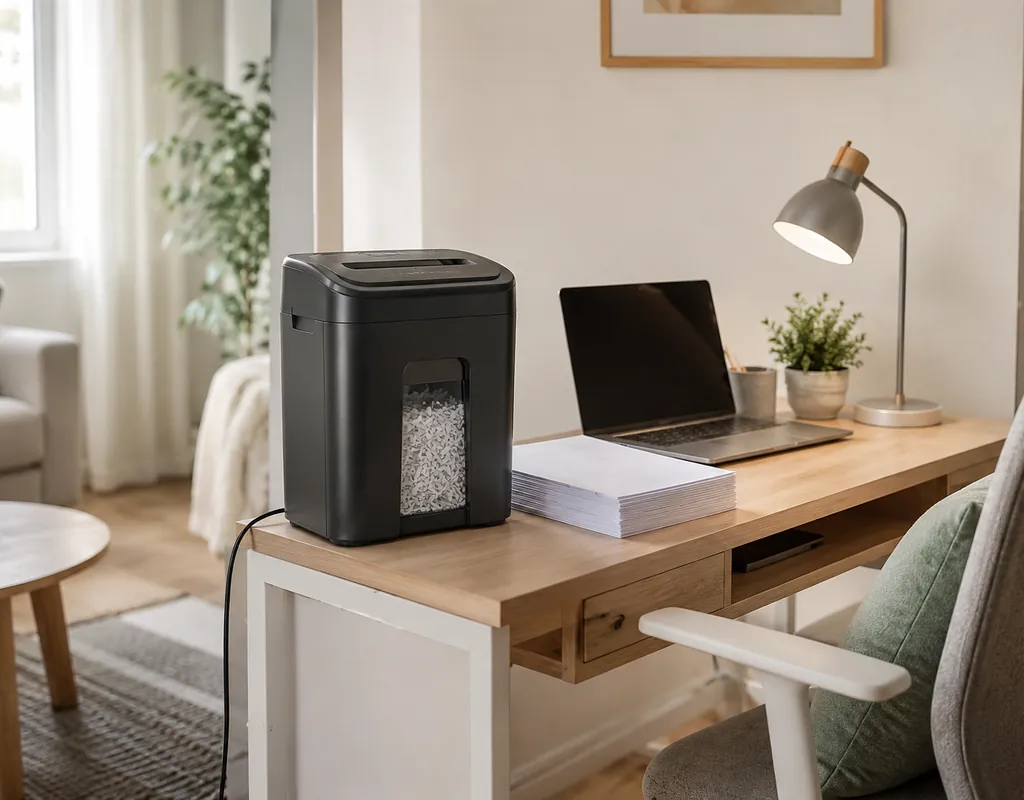
4. Compact Quiet Paper Shredder
[Check Price — Compact Quiet Paper Shredder]
Noise can matter even though a paper shredder is usually used for short periods.
In a home office that shares space with a bedroom, living room, or another person’s workspace, a loud motor can make a simple task more disruptive than necessary.
A compact quieter shredder may therefore be useful when the machine will be used close to your normal work area.
Think Beyond One Noise Number
Manufacturer noise figures may be measured under particular test conditions.
When comparing products, also consider:
- User comments about motor noise
- Vibration during operation
- Shredding speed
- Whether noise changes under heavier loads
- How close the shredder will be to your chair
A shredder does not need to be silent.
The important question is whether its normal operating sound is acceptable for your environment.
When It Matters Most
Noise deserves more attention when:
- You work in a shared room
- You take frequent calls
- You shred documents during working hours
- Your office is close to a bedroom
- You live in a small apartment
If you only shred a handful of documents occasionally, size and security may matter more than quiet operation.
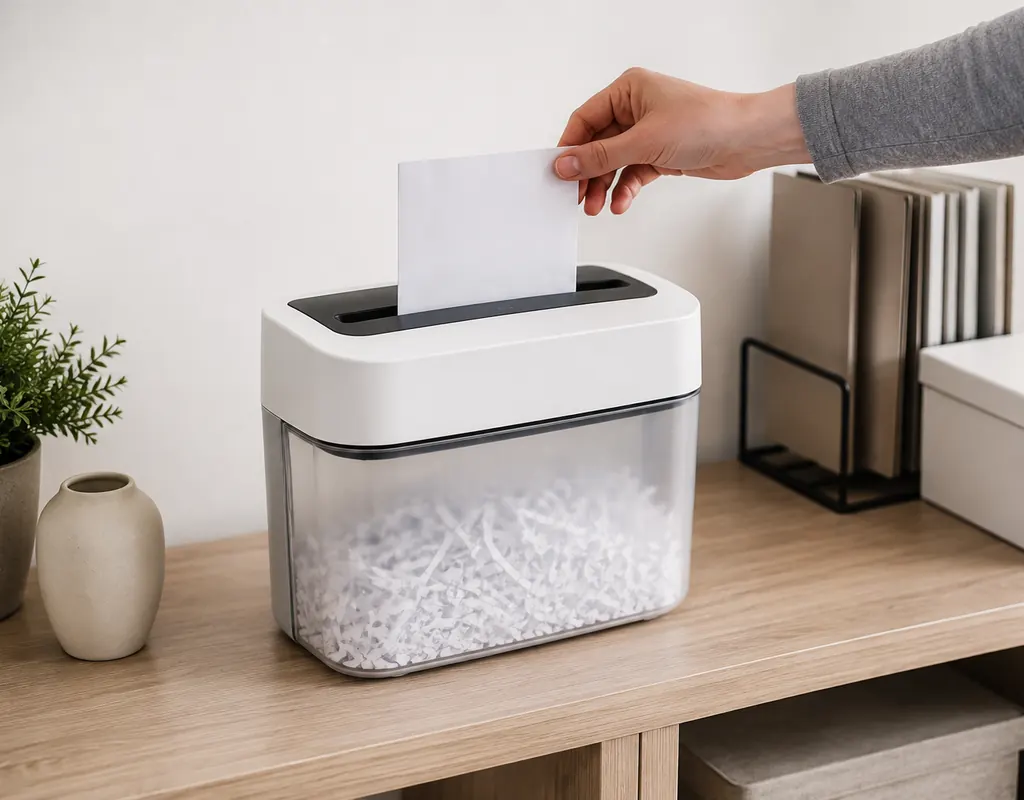
5. Portable Personal Paper Shredder
[Check Price — Portable Personal Shredder]
A portable personal shredder is designed for users who want to move the machine between locations.
That can be useful when the home office is not the only place where paperwork is handled.
For example, you might keep the shredder stored away and bring it out when sorting documents in another room.
Good for Smaller Workloads
Portable models can make sense for:
- Occasional paperwork
- Small batches
- Temporary work areas
- Compact apartments
- Shared household spaces
Before buying, check the machine’s paper capacity and operating limits.
Portability does not remove the need to match the shredder to your workload.
What to Compare
Look at:
- Weight
- Power source
- Paper-entry size
- Bin or collection method
- Cut type
- Sheet capacity
- Run time
If the shredder is battery-powered, also consider how often the batteries need replacement.
Cross-Cut vs Strip-Cut
The type of cut is one of the most important decisions.
A strip-cut shredder turns a sheet into long strips.
A cross-cut shredder cuts in multiple directions, producing smaller pieces.
For low-sensitivity paperwork, strip-cut may be enough for some users.
For documents containing personal or financial information, a cross-cut design may be a more suitable choice because the resulting pieces are smaller.
Do not assume that every cross-cut shredder is identical, though.
Check the actual shred size and any security classification provided by the manufacturer.
The sensitivity of the paperwork should guide the decision.
How Much Paper Will You Shred?
Sheet capacity tells you how many sheets a machine is designed to handle in one pass under specified conditions.
It does not tell you how much paper you should feed every time.
If you usually have only two or three sheets, a high maximum capacity may have little practical value.
Occasional Shredding
For a few documents every week, a compact personal shredder may be sufficient.
Regular Shredding
If you regularly clear a stack of paperwork, look more closely at:
- Bin capacity
- Run time
- Cooling period
- Sheet capacity
- Shredding speed
Larger Batches
If the machine often needs to process a large stack, an ultra-compact model may become inconvenient.
A slightly larger machine can sometimes save time because it may offer a longer operating cycle and a larger collection bin.
The key is to buy for your real workload, not an imaginary future one.
Run Time Can Matter More Than Sheet Capacity
Two shredders may both claim similar sheet capacity but provide very different operating experiences.
One may allow only a short shredding session before cooling down, while another may continue for much longer.
That difference becomes important when you have a pile of documents to process.
Check the manufacturer’s:
- Continuous run time
- Cooling time
- Automatic shutoff
- Overheat protection
- Recommended workload
Do not assume that a high sheet-capacity number means the shredder is designed for continuous work.
A realistic duty cycle is often more useful for a home office.
How Much Noise Is Too Much?
Every paper shredder produces some operating noise.
The right level depends on where you use it.
A machine kept in a separate office corner may not need the same noise characteristics as one sitting directly beside your chair.
Instead of looking only for the word “quiet,” compare the available noise specifications with the way you expect to use the machine.
Also consider whether the shredder vibrates when processing several sheets.
For most users, the aim is not complete silence.
It is avoiding a machine that becomes unnecessarily disruptive during normal use.
Where Should You Keep a Compact Shredder?
A small shredder should be easy enough to reach that you will actually use it.
At the same time, it does not need to occupy your primary working surface.
Possible locations include:
- Under a desk
- Beside a filing cabinet
- Next to a storage unit
- Inside a suitable office corner
- Near the paper-sorting area
Choose a location that leaves room for the paper feed and collection bin.
If the machine has a pull-out bin, leave enough space to remove it without moving the shredder.
For broader ideas about keeping a compact workspace practical, see our Small Home Office Desk Organization Ideas guide.
Can You Put a Shredder on the Desk?
Some very compact models are designed for desktop use, but that does not mean a desk is the best location for every shredder.
Before putting one on your desk, consider:
- Remaining work surface
- Machine weight
- Paper-feed position
- Bin access
- Noise
- Power-cable placement
If you use the shredder only occasionally, keeping it nearby rather than permanently on the desk may make better use of the available space.
What Can You Shred?
Never assume that every shredder can process every material.
Many models can handle ordinary paper, while some also support items such as staples, small paper clips, or plastic cards.
Other models may specifically tell you to remove those materials first.
Always check the manufacturer’s instructions.
Particularly important are:
- Staples
- Paper clips
- Adhesive labels
- Card stock
- Plastic cards
- CDs or DVDs
- Laminated documents
- Folders
Do not feed material into the shredder simply because it physically fits through the opening.
The machine’s supported-material list should determine what goes in.
Features That Are Actually Useful
Compact shredders can include many additional features.
Some are genuinely useful for home use.
Reverse Function
A reverse setting can help when paper becomes stuck or starts feeding incorrectly.
Jam Prevention
Any feature that reduces paper jams can make everyday use less frustrating.
Automatic Start and Stop
This can make feeding individual documents more convenient.
Overheat Protection
A useful safety feature when the machine reaches its operating limit.
Bin Indicator
Some models make it easier to know when the collection bin needs attention.
Safety Features
Pay attention to the safety design and operating instructions, particularly in homes where children or pets may be around the machine.
You do not need every feature.
Choose the ones that solve a problem you actually have.
Protect Your Sensitive Documents Before Shredding
Not every piece of paper needs the same level of destruction.
Think about what information the document contains.
Higher-sensitivity paperwork may include:
- Financial information
- Account information
- Personal addresses
- Identification details
- Private correspondence
- Documents containing signatures
For less-sensitive papers, the required shred size may be different.
The goal is to match the shredder to the information rather than assuming every document requires the same machine.
Common Paper-Shredder Mistakes
Choosing the Smallest Shredder Automatically
Small size is useful, but an extremely small machine may struggle with your normal workload.
Looking Only at Sheet Capacity
A large sheet-count rating does not tell you how long the shredder can operate continuously.
Ignoring Bin Size
Frequent emptying can become annoying when the collection bin is very small.
Forgetting Run-Time Limits
Always check the operating and cooling cycle when you regularly shred several pages.
Assuming All Cross-Cut Shredders Are the Same
Cut size can vary, so check the actual specifications when document sensitivity matters.
Feeding Unsupported Materials
Staples, cards, adhesive labels, and other materials may or may not be supported.
Buying for a Hypothetical Workload
Choose according to the amount of paperwork your home office really produces.
A Practical Buying Checklist
Before choosing a compact paper shredder, check:
- Cut type
- Shred size
- Sheets per pass
- Continuous run time
- Cooling period
- Bin capacity
- Physical dimensions
- Noise information
- Reverse function
- Jam handling
- Supported materials
- Safety features
- Storage location
- Power requirements
- Replacement or maintenance needs
The ideal feature set depends on your actual workload.
A person shredding five pages a week does not need the same machine as someone clearing a large filing pile every weekend.
FAQs
What is the best type of shredder for a small home office?
There is no single choice for every office. A compact cross-cut model can suit sensitive everyday paperwork, while a slim desktop or portable model may make more sense when space and workload are both limited.
Is cross-cut better than strip-cut?
Cross-cut shredders produce smaller pieces than strip-cut models. That can make them a useful choice for more sensitive documents, but the actual shred size still matters.
How many sheets should a compact shredder handle?
That depends on your workload. If you normally shred only a few pages at a time, a very high sheet-capacity rating may not provide much practical benefit.
How long can a small paper shredder run?
Run time varies significantly by model. Check the manufacturer’s stated continuous operating time and cooling requirement before buying.
Can I shred credit cards?
Only when the particular machine is designed to handle them. Check the manufacturer’s supported-material instructions first.
Can I shred documents with staples?
Some shredders can handle staples, while others require them to be removed. Always check the manufacturer’s specifications.
Are compact paper shredders noisy?
They all produce some sound, but the amount varies by model and operating conditions. Consider manufacturer specifications, user feedback, and where the machine will be located.
Can a paper shredder be kept under a desk?
It can be suitable when there is enough clearance for ventilation, paper feeding, and bin removal. Follow the manufacturer’s placement guidance.
How often should I empty the shredder bin?
Empty it according to the manufacturer’s guidance and before shredded material interferes with normal operation. Smaller bins will naturally need attention more frequently.
Is a small desktop shredder enough for regular paperwork?
It may be enough for light or moderate workloads, but people who regularly process large stacks may benefit from a larger collection bin and longer operating cycle.
Do I need a paper shredder for every document?
No. The usefulness of a shredder depends on the type and sensitivity of the paperwork you handle.
Final Thoughts
A compact paper shredder can be a practical addition to a small home office when paperwork containing personal or sensitive information needs to be destroyed.
A compact cross-cut model can provide a useful balance for everyday sensitive documents. Slim desktop shredders can suit very limited spaces. Pull-out-bin designs can make emptying more convenient, quieter models can reduce disruption, and portable personal shredders can be useful when the machine needs to move between locations.
The most practical choice is the smallest shredder that comfortably handles your normal workload.
Before buying, focus on the specifications that will matter after the initial purchase:
cut type, shred size, sheet capacity, run time, bin capacity, noise, supported materials, dimensions, and maintenance requirements.
For more practical ideas for organizing a compact workspace, explore our Small Home Office guides.